
AI-Powered Roblox UI Generator
Roblox GUI Maker: Visually Build & Export Clean Luau in Seconds
Figma-level drag & drop, controllable AI, and one-click Luau export — no coding required. Skip the boilerplate and import straight into Studio.
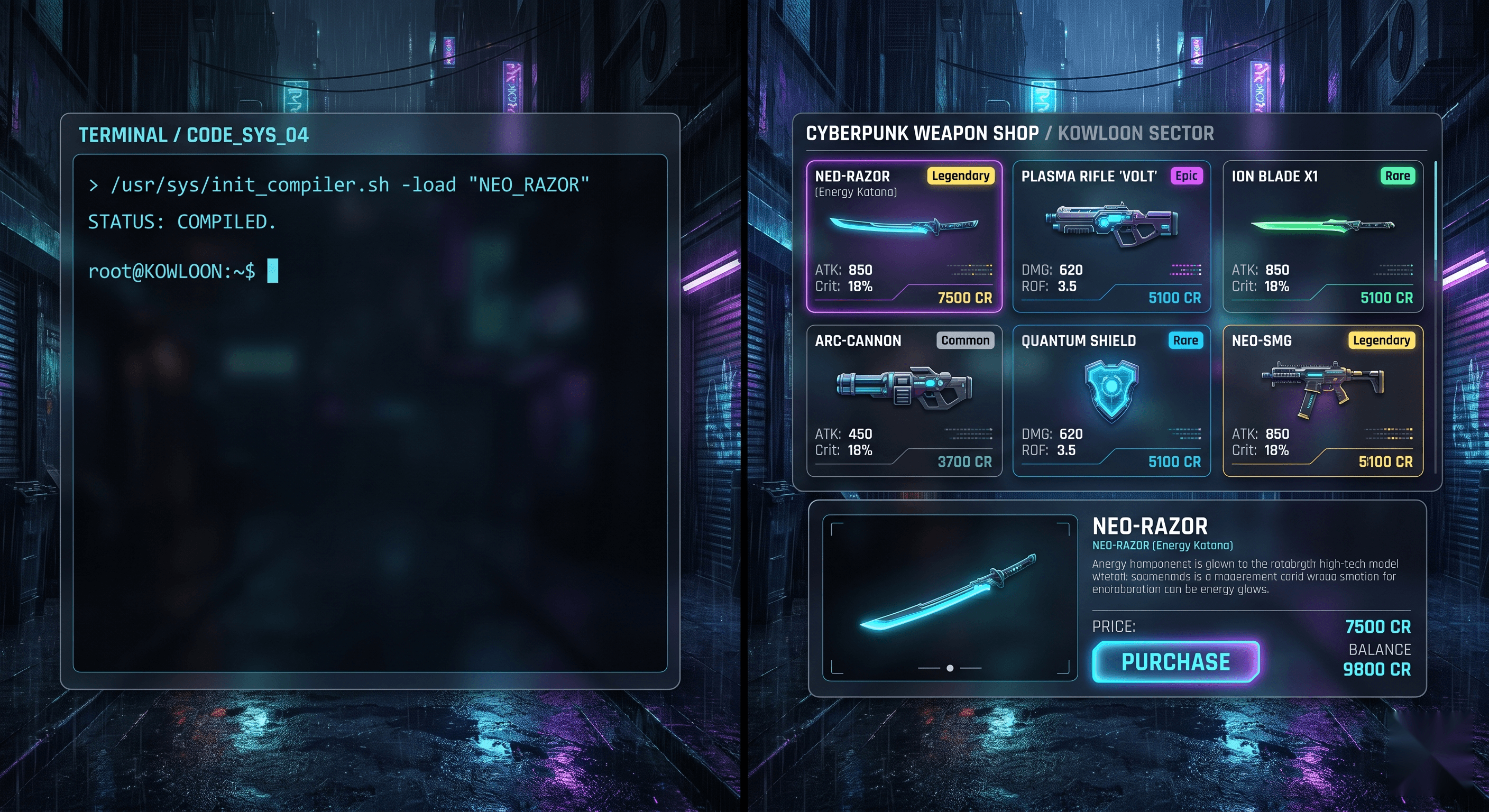
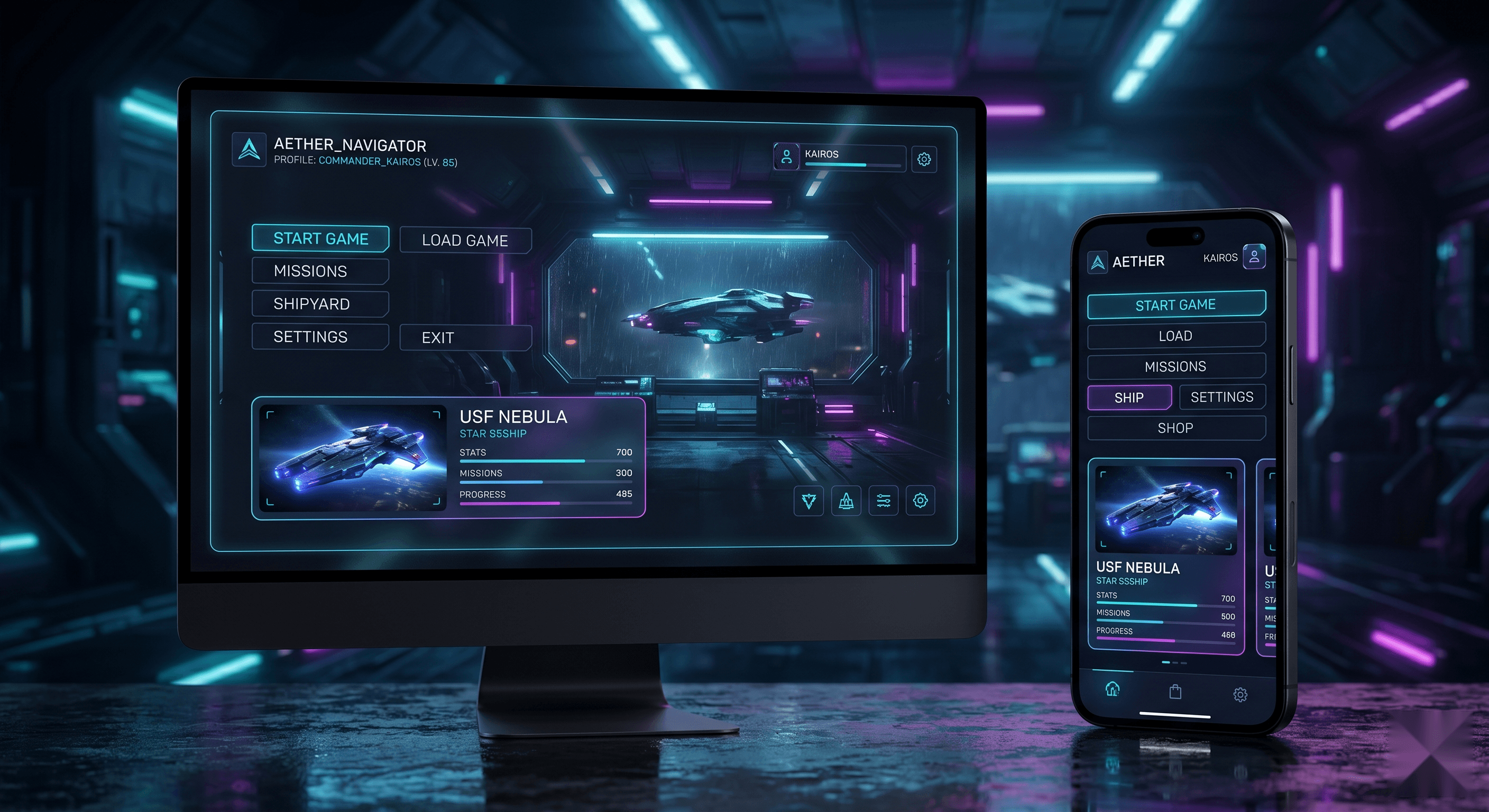
Building Roblox UI by hand is slow. We fixed the two worst parts.
Studio native workflow
“Positioning GUIs by typing UDim2 values and hitting Play to check is painful. I waste hours nudging Scale and Offset by hand.”
— Common Roblox DevForum complaint“I can design the UI fine, but wiring up the Luau — buttons, inventory logic, DataStore — is where every tutorial leaves me stuck.”
— Recurring r/robloxgamedev theme
With Roblox GUI Maker
- Drag, drop, and snap — no manual UDim2 math.
- AI writes editable Luau you can read and tweak.
- Templates ship with working logic, not just visuals.
- Export or push to Studio in one click.
How Roblox GUI Maker works
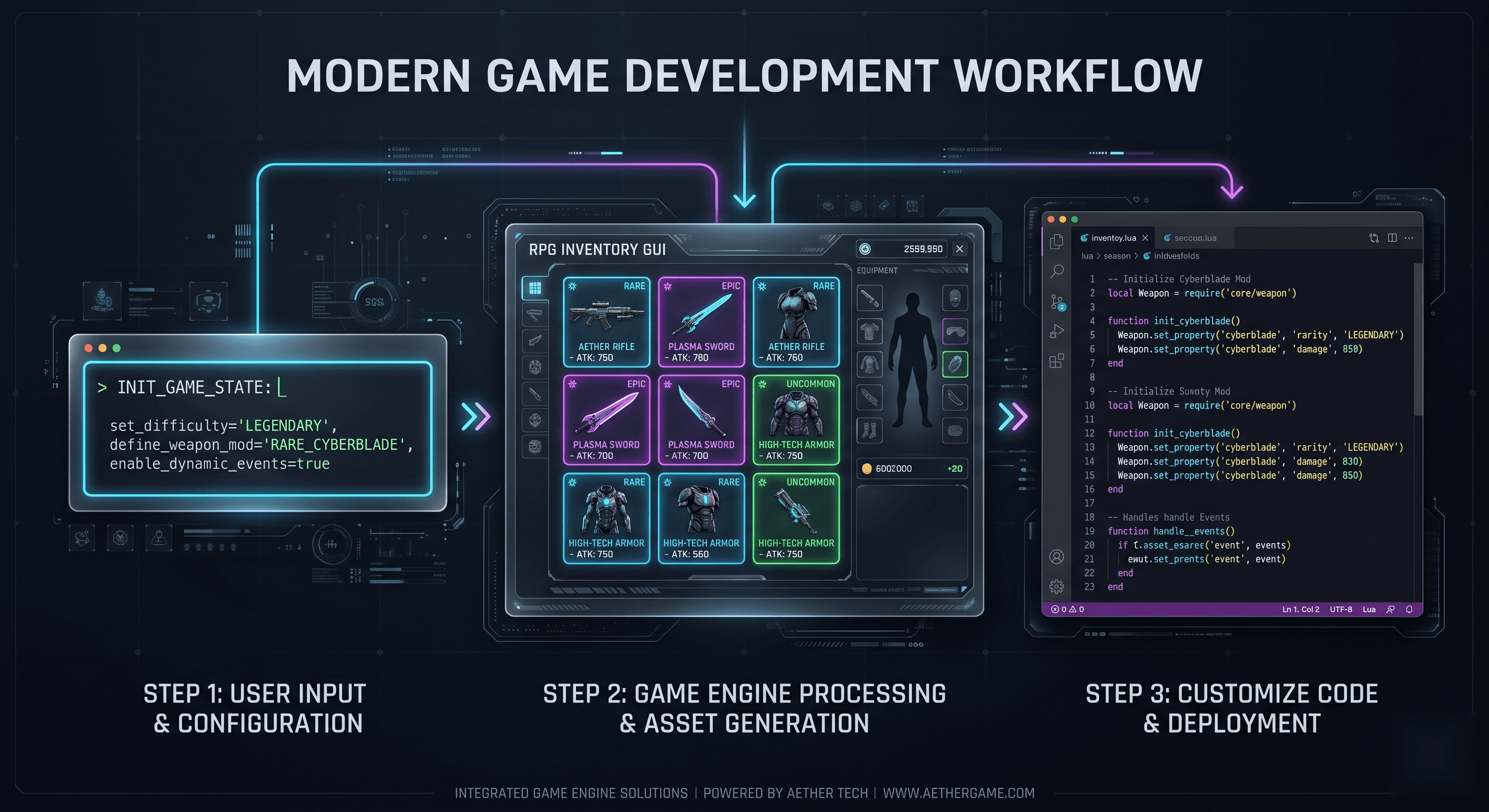
From a one-line prompt to production-ready Luau in under five minutes. The pipeline is built around three predictable stages, so you always know what to do next.
- 1
Describe your Roblox UI in plain English
Type a prompt like "Pet shop GUI with a 3x3 egg grid and a green Buy button" into the AI panel. The generator understands Roblox-specific terms — ScreenGui, Frame, UIGridLayout, UDim2 — and returns a working layout in seconds.
- 2
Refine the layout on a visual canvas
Drag elements, snap to grid, adjust Scale and Offset, set anchor points, and pick exact hex colors in the right-side properties panel. Preview on Desktop, Tablet, and Mobile device frames before exporting.
- 3
Export clean Luau and paste into Studio
Click "Export Luau" for a commented LocalScript you can paste into StarterGui — the Studio plugin sync will be available once it launches.
Built for every kind of Roblox developer
Whether you are shipping your first simulator or polishing a tactical FPS, Roblox GUI Maker has a template and an AI prompt tuned for your genre. Pick your category below, generate a starter layout in seconds, then refine it on the canvas.
Simulator developers
Spin up click counters, rebirth badges, pet hatch panels, and currency HUDs in minutes. The simulator HUD template ships with tweened pop numbers and mobile thumb-zone layouts so your clicker feels responsive on phones.
FPS & tactical game makers
Drop in ammo counters, health and armor bars, a center crosshair, and a kill feed. The FPS HUD template is built for low clutter and scales cleanly from 16:9 to ultrawide without obstructing targets.
Roleplay & RPG creators
Generate character sheets, dialogue boxes with typewriter text, branching quest choices, and inventory grids with item rarity colors. Every panel uses Scale-based sizing so it stays readable across devices.
Obby & casual game builders
Start screens, checkpoint timers, stage counters, and rules panels come pre-wired. The obby start screen template has big tappable buttons and UICorner rounded panels tuned for touch.
Not sure where yours fits? Describe your game in the AI panel and the generator will pick a sensible starting layout — you can always swap components afterwards.
Free and no-code Roblox GUI maker
You do not need Luau or a paid tool to start. The free tier gives you the full drag-and-drop editor, 50 AI generation credits per month, and the public template library - no credit card required. Build a GUI visually, generate Luau from a prompt, or start from a template, all without writing code.
Free Roblox GUI maker
The free plan includes the editor, 50 AI credits per month, Luau export, and all free templates. Pro is $9.99 per month with unlimited credits when you scale.
No-code Roblox GUI creator
Drag frames, buttons, and images onto a canvas. The AI writes the Luau for you. You only touch code if you want to customize the export or wire it to your own game systems.
Everything you need to ship Roblox UI
Drag-and-Drop Editor
Compose ScreenGui layouts on a visual canvas. Tweak Scale/Offset, anchor points, and Z-index without leaving the browser.
Controllable AI Generation
Describe the UI in plain English and get clean, editable Luau — not a black box. Refine on the canvas afterwards.
One-Click Luau Export
Export production-ready Luau for StarterGui, or push straight into Studio with the companion plugin.
Built for every Roblox genre
Production-ready Roblox GUI templates
Browse all templates →Twelve hand-built layouts covering the most common Roblox UI patterns: inventories, shops, HUDs, leaderboards, dialogue boxes, and obby start screens. Every template includes the component tree, real Luau logic, and a one-click "Open in Web Editor" shortcut.
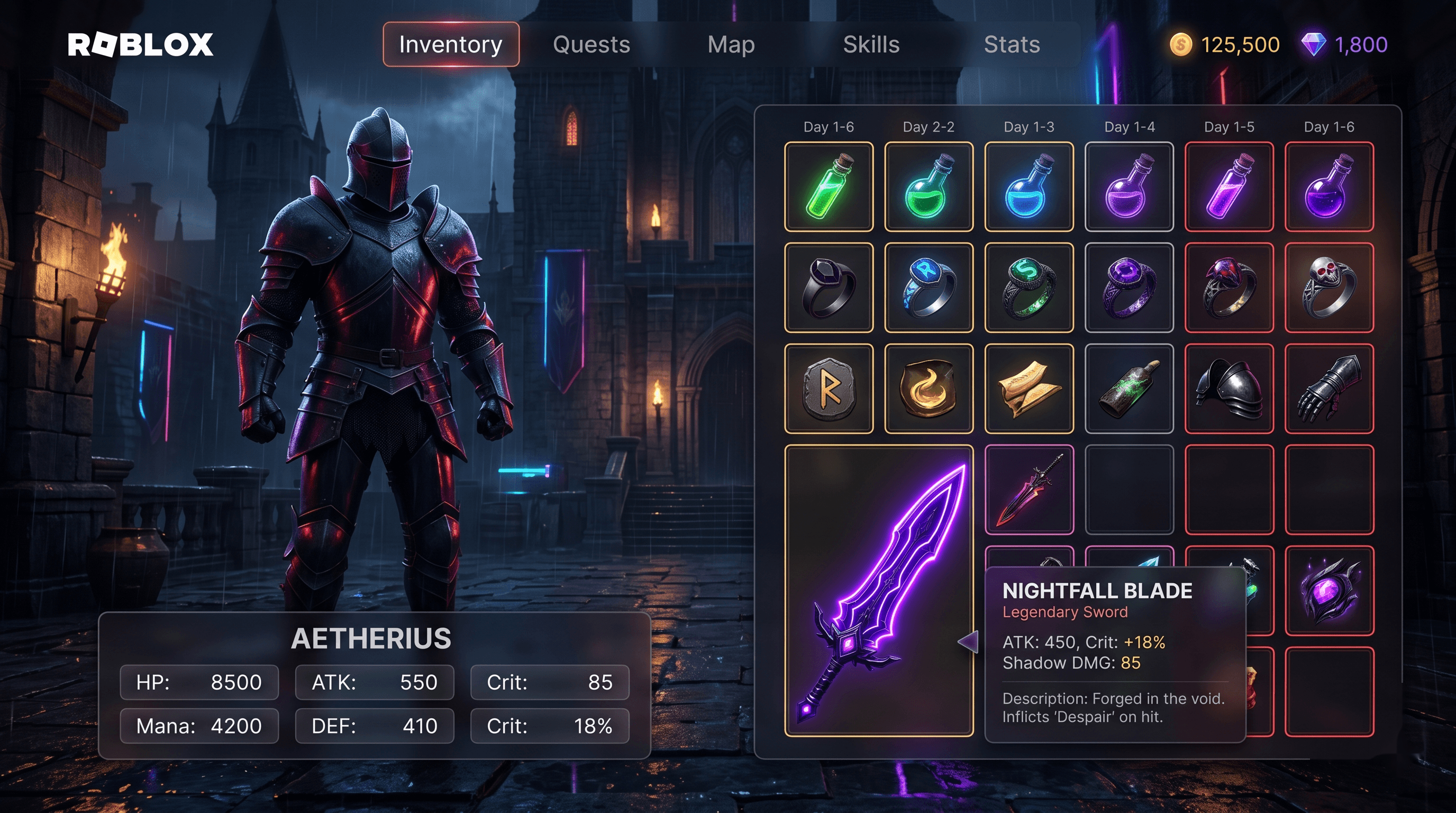
Roblox RPG Inventory GUI template preview showing drag & equip on a dark inventory layout. RPG Inventory
FreeDrag & Equip
A slot-based RPG inventory GUI for Roblox with drag-and-drop, equip slots, item rarity colors, and tooltips. This template provides a complete inventory system that supports item collection, equipment management, drag-and-drop interactions, rarity-based color coding, and informative tooltips on hover. It is designed for RPG, adventure, and survival games where players collect and manage items.
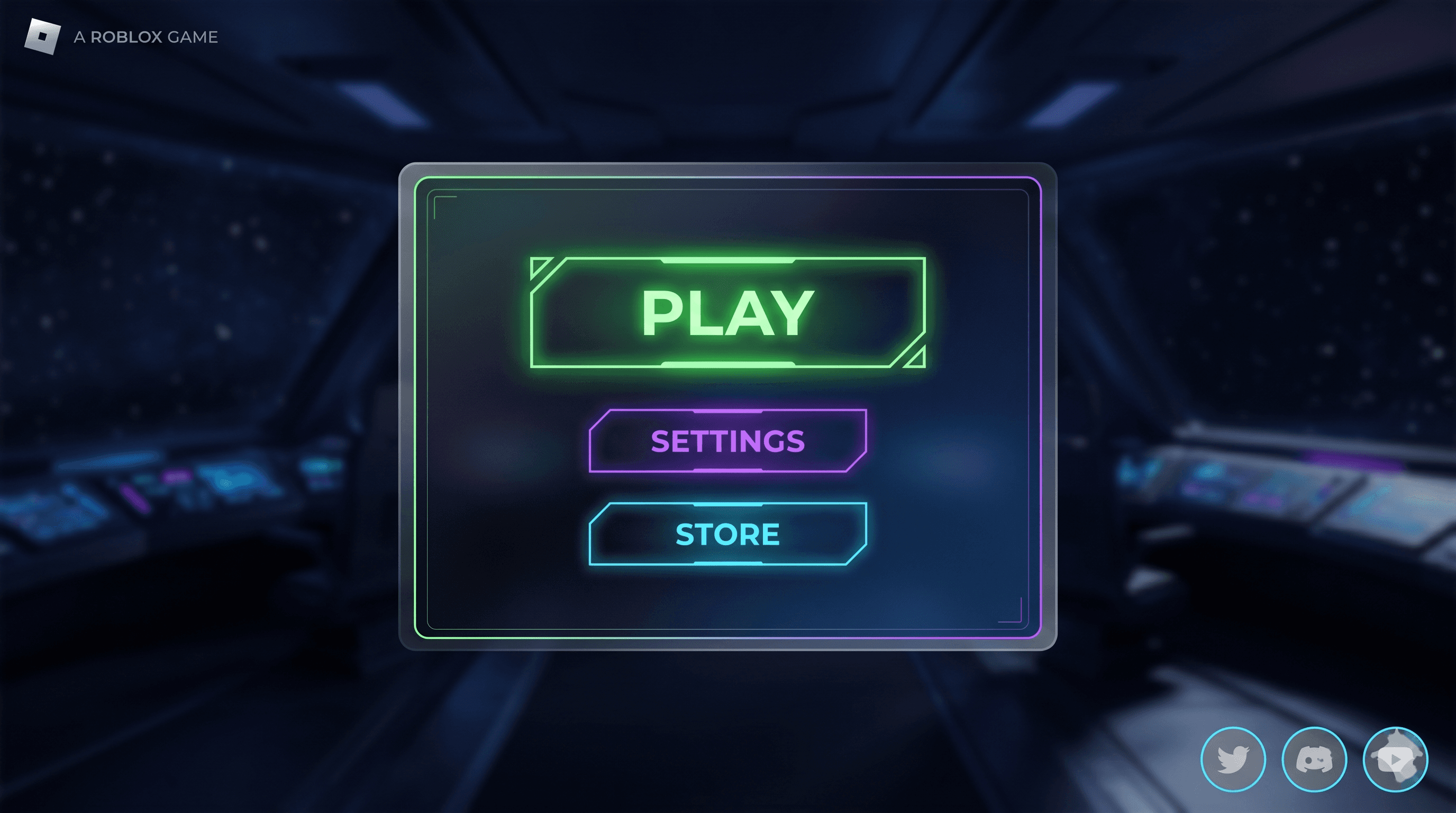
Roblox Main Menu GUI template preview showing play / settings / store on a clean menu layout. Main Menu
FreePlay / Settings / Store
A polished main menu with animated play button, settings shortcut, store link, and social icons. Features a subtle UIGradient background, smooth Tween animations, and auto-fitting layout that adapts to mobile, tablet, and desktop screens. Fits any genre from simulators to RPGs to obbies.
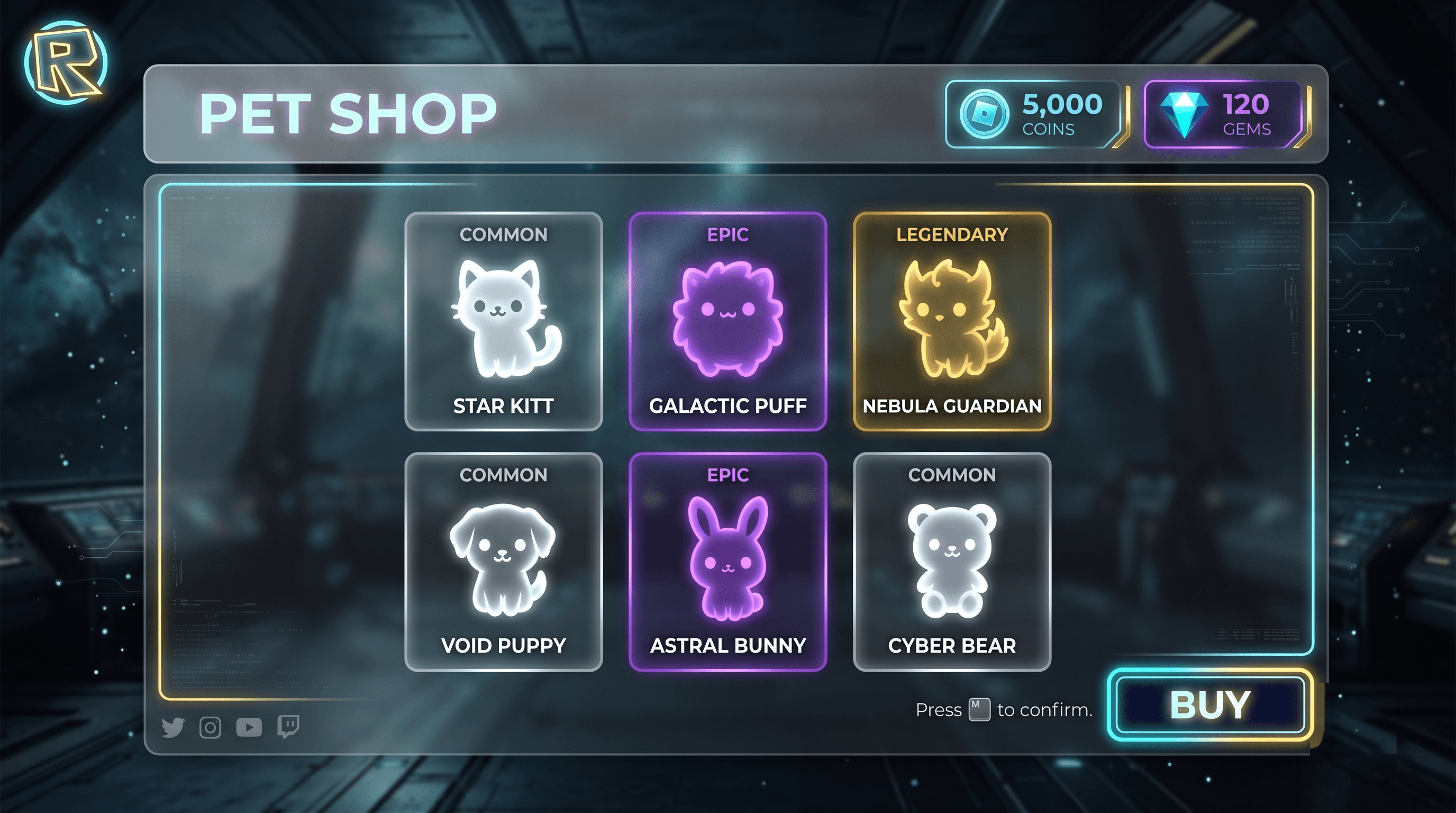
Roblox Pet Shop GUI template preview showing buy & equip pets on a cartoon shop layout. Pet Shop
MarketplaceBuy & Equip Pets
A cartoony pet shop UI with rarity badges, buy buttons, coin balance, and equipped-pet preview panel. Designed for pet collection games, simulators, and RPGs where players can browse, purchase, and equip companion pets. Features 6 pet cards with visual rarity indicators, animated purchase flow, and a dedicated preview panel for the currently equipped pet.
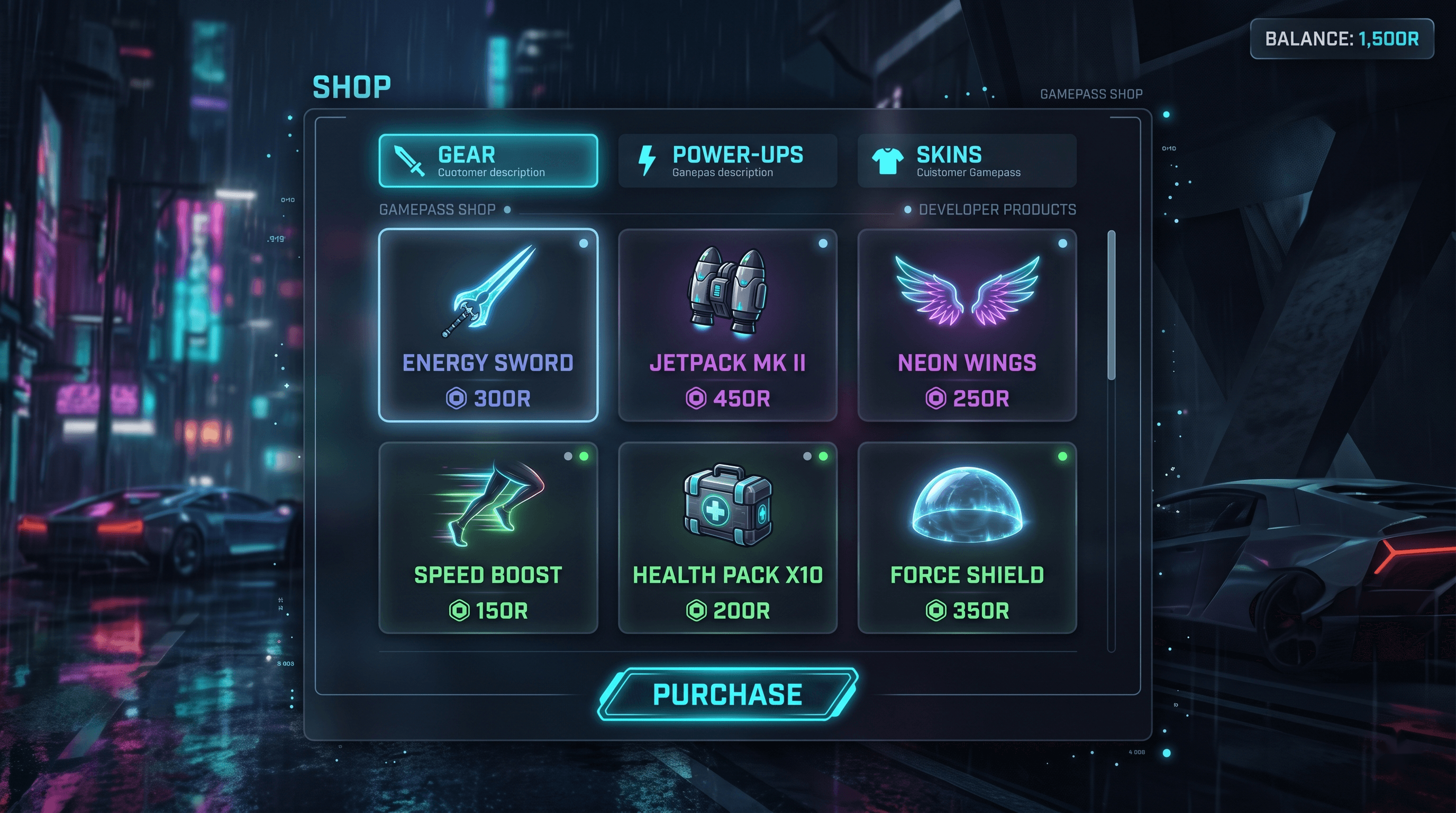
Roblox Shop UI GUI template preview showing gamepass & devproduct ready on a bright shop layout. Shop UI
FreeGamepass & Devproduct Ready
A general-purpose shop GUI with category tabs, item grid, and purchase prompts wired to MarketplaceService. Supports both Gamepasses and Developer Products. Features a clean bright design with animated purchase flow, category filtering, and detailed item descriptions. Ready for monetization out of the box.
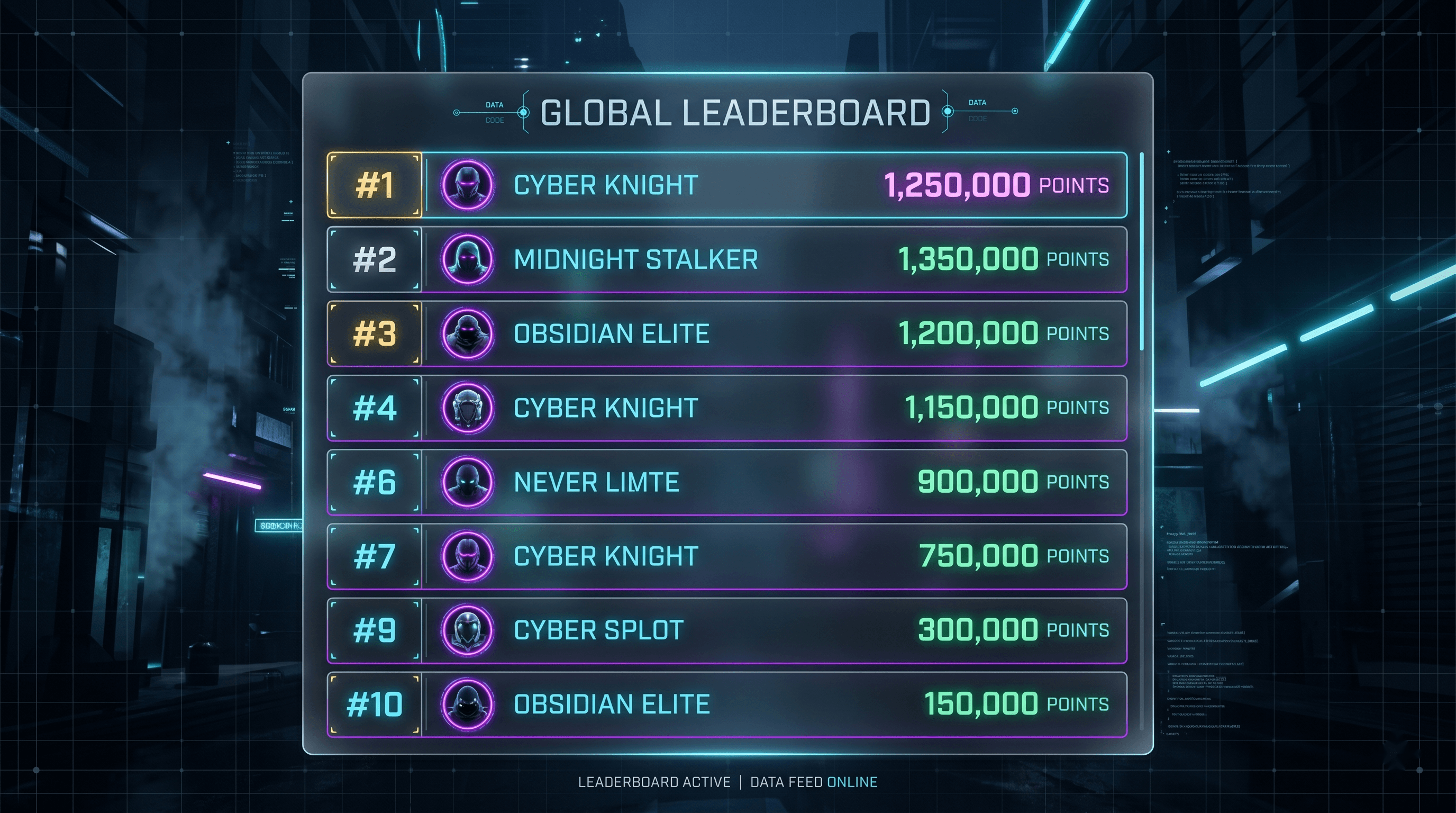
Roblox Global Leaderboard GUI template preview showing ordereddatastore powered on a clean leaderboard layout. Global Leaderboard
FreeOrderedDataStore Powered
A top-10 global leaderboard GUI with player name, avatar placeholder, and score. Auto-refreshes every minute. This template provides a production-ready leaderboard system that displays the highest-scoring players across your entire Roblox game. It features a clean, modern design with automatic data synchronization, smooth entry animations, and a responsive layout that works on all screen sizes.
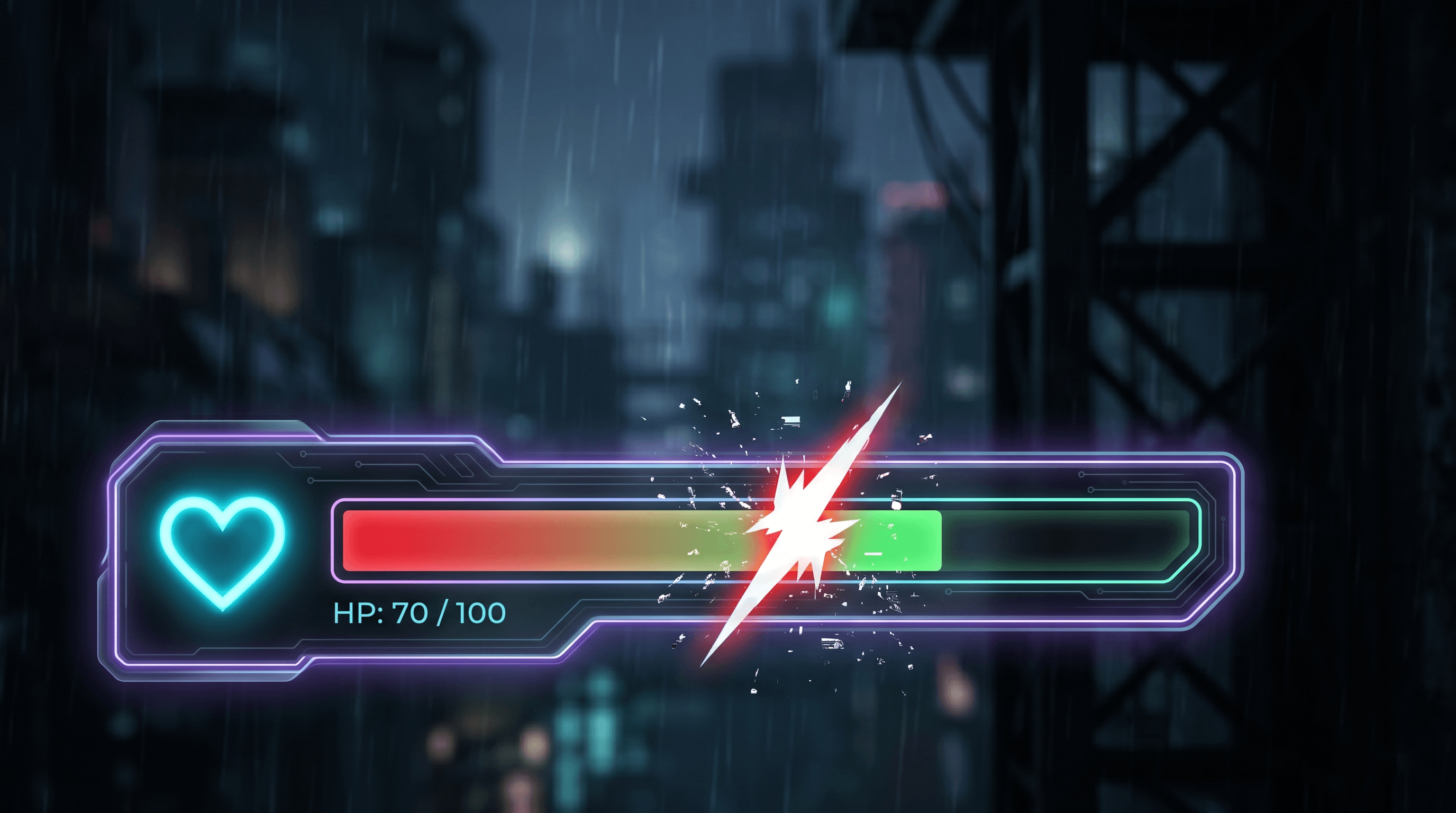
Roblox Health Bar GUI template preview showing tweened damage feedback on a cartoon health bar layout. Health Bar
FreeTweened Damage Feedback
A compact health bar with tweened fill, damage flash, and low-health pulse. Works for any humanoid. This template provides a responsive, animated health bar that tracks player health with smooth fill animations, visual damage feedback with screen flash effects, and an urgent pulsing animation when health drops below a critical threshold. Designed with a cartoon aesthetic optimized for mobile devices.
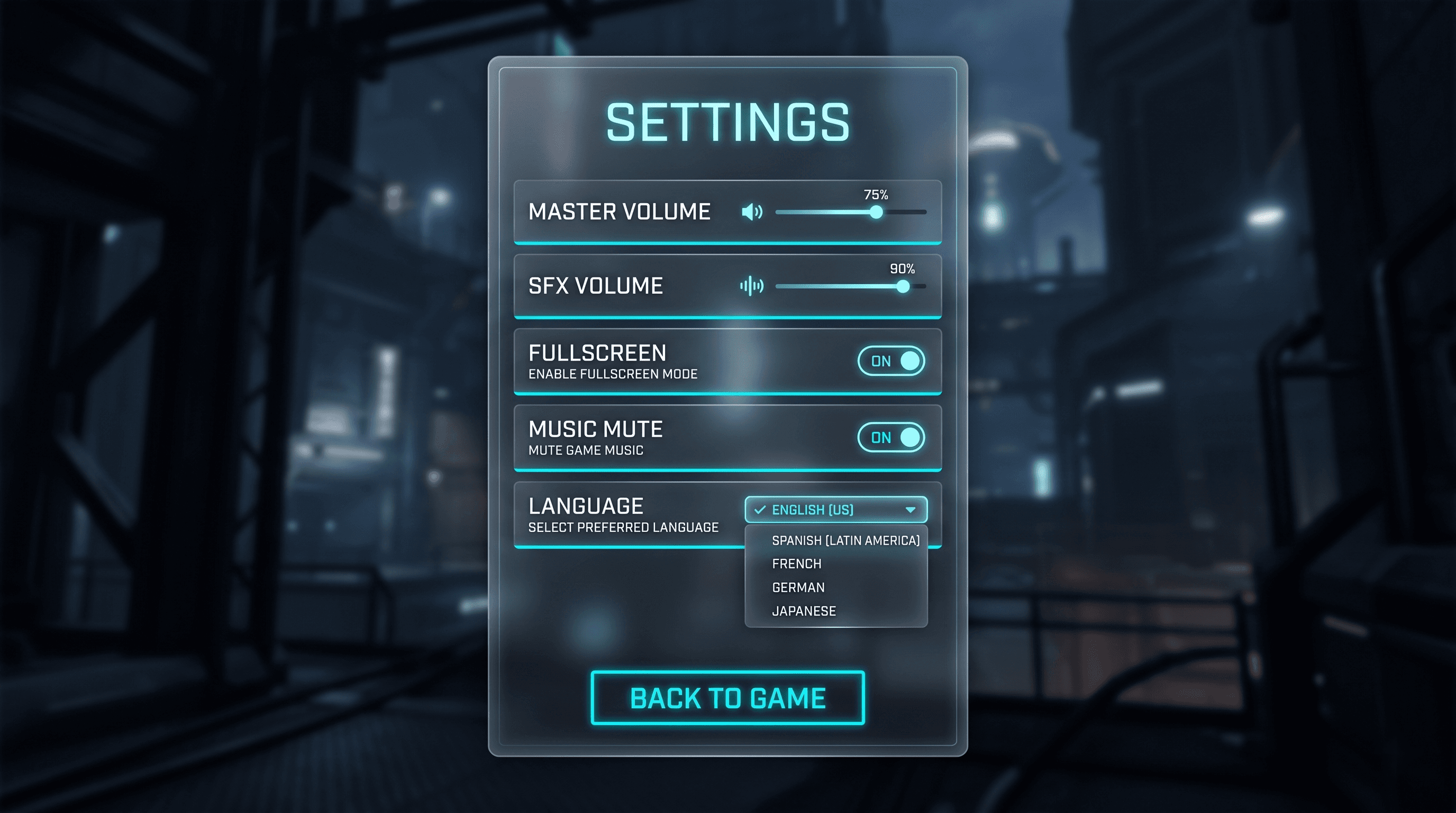
Roblox Settings Menu GUI template preview showing volume & toggle options on a dark settings layout. Settings Menu
FreeVolume & Toggle Options
A settings panel with volume sliders, fullscreen toggle, music mute, and language placeholder. Clean UIListLayout. This template provides a comprehensive settings system with smooth slider interactions, animated toggle switches, and a modular design that makes adding new settings effortless. Features a sleek dark theme with accent-colored interactive elements.
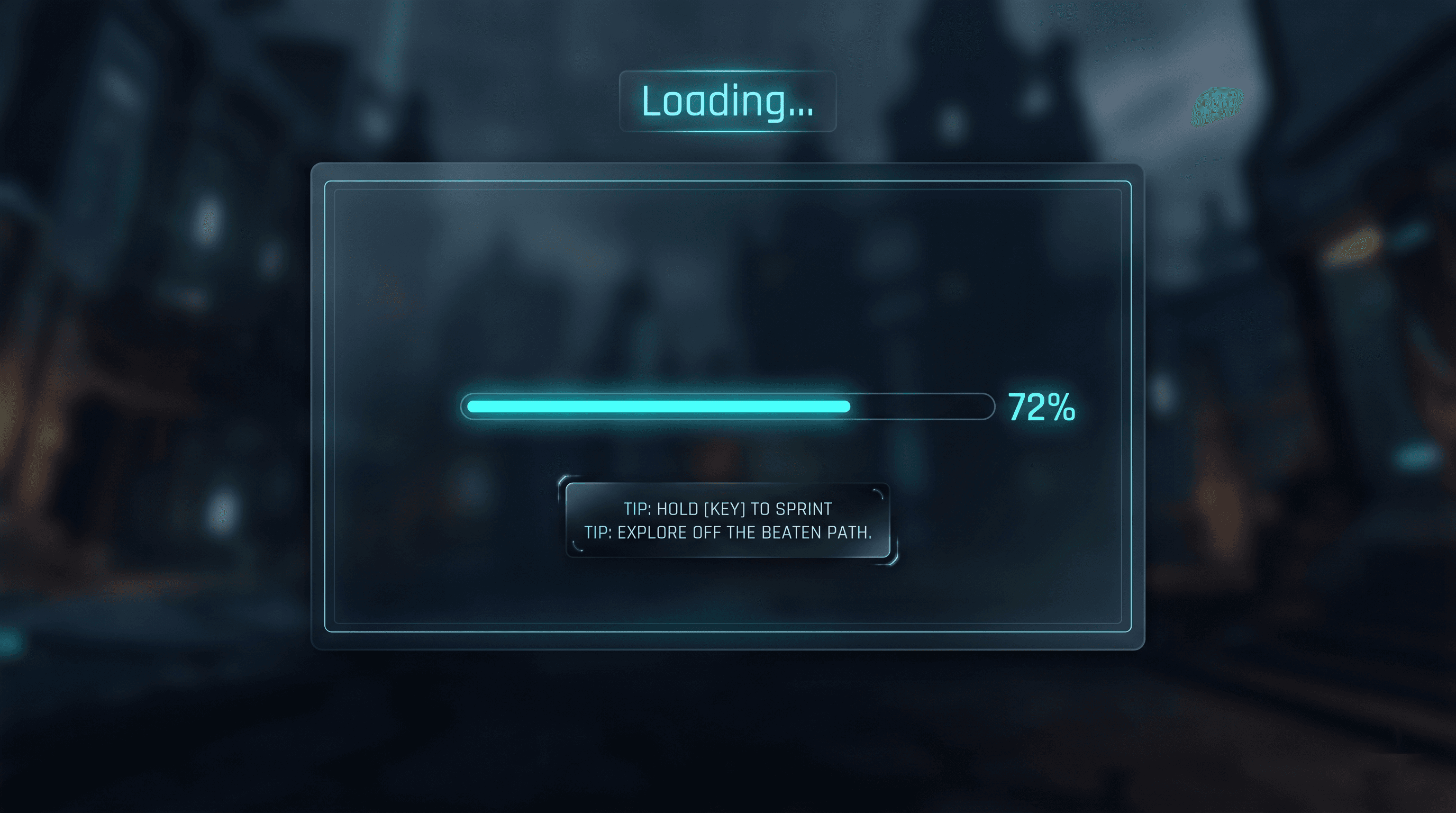
Roblox Loading Screen GUI template preview showing progress bar & tips on a clean loading screen layout. Loading Screen
FreeProgress Bar & Tips
A loading screen with progress bar, rotating gameplay tips, and fade-out once loading is complete. This template provides a polished, professional loading experience that keeps players engaged while assets load. Features a smooth animated progress bar, helpful rotating gameplay tips to educate players, and an elegant fade-out transition when loading completes.
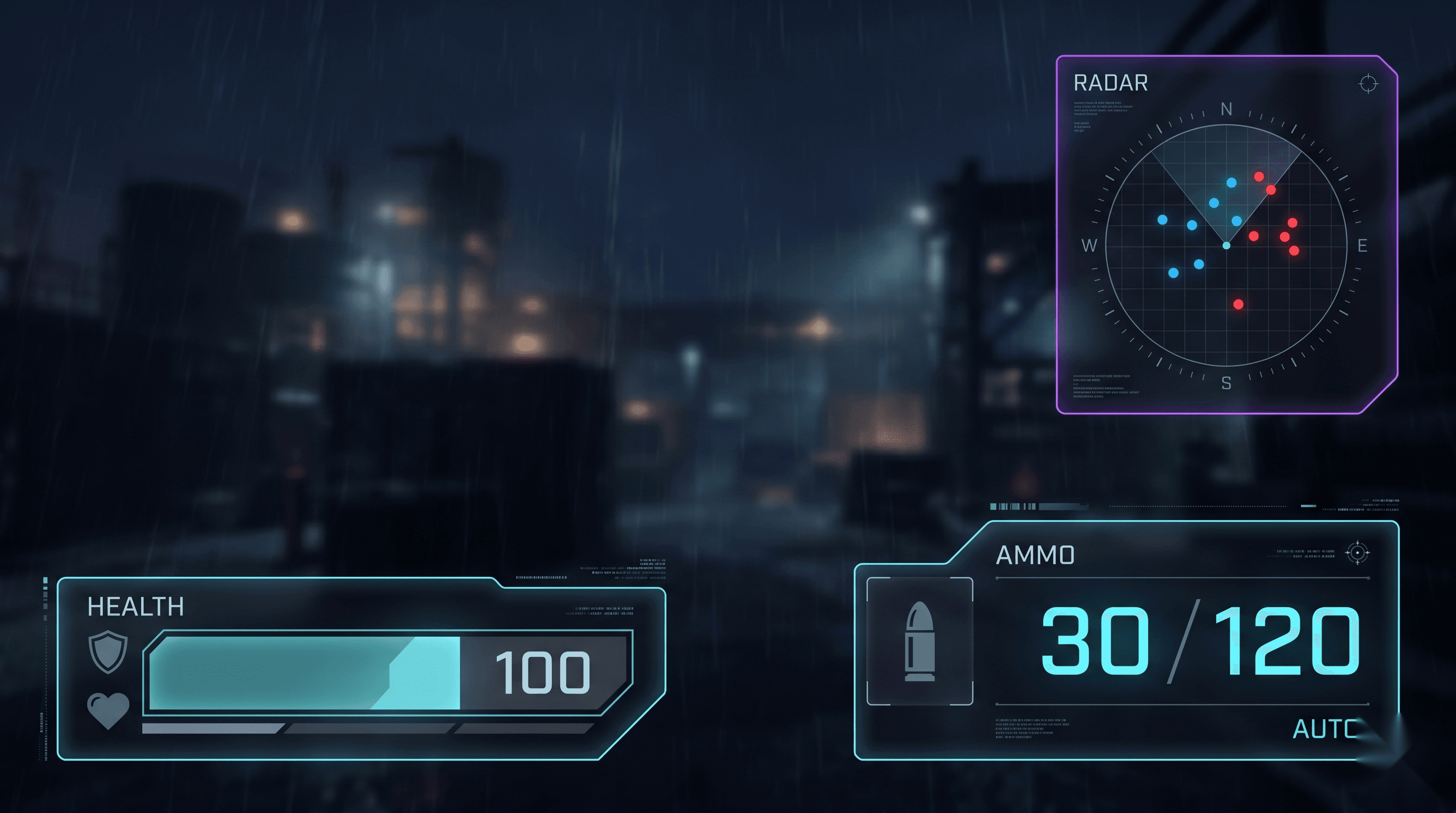
Roblox FPS HUD GUI template preview showing ammo / health / crosshair on a dark hud layout. FPS HUD
MarketplaceAmmo / Health / Crosshair
A tactical FPS HUD with ammo counter, health bar, crosshair, and kill feed placeholder. Designed for performance-focused first-person shooter experiences on Roblox. Features a dark tactical aesthetic inspired by modern military shooters, with high-contrast UI elements that remain readable during intense gameplay.
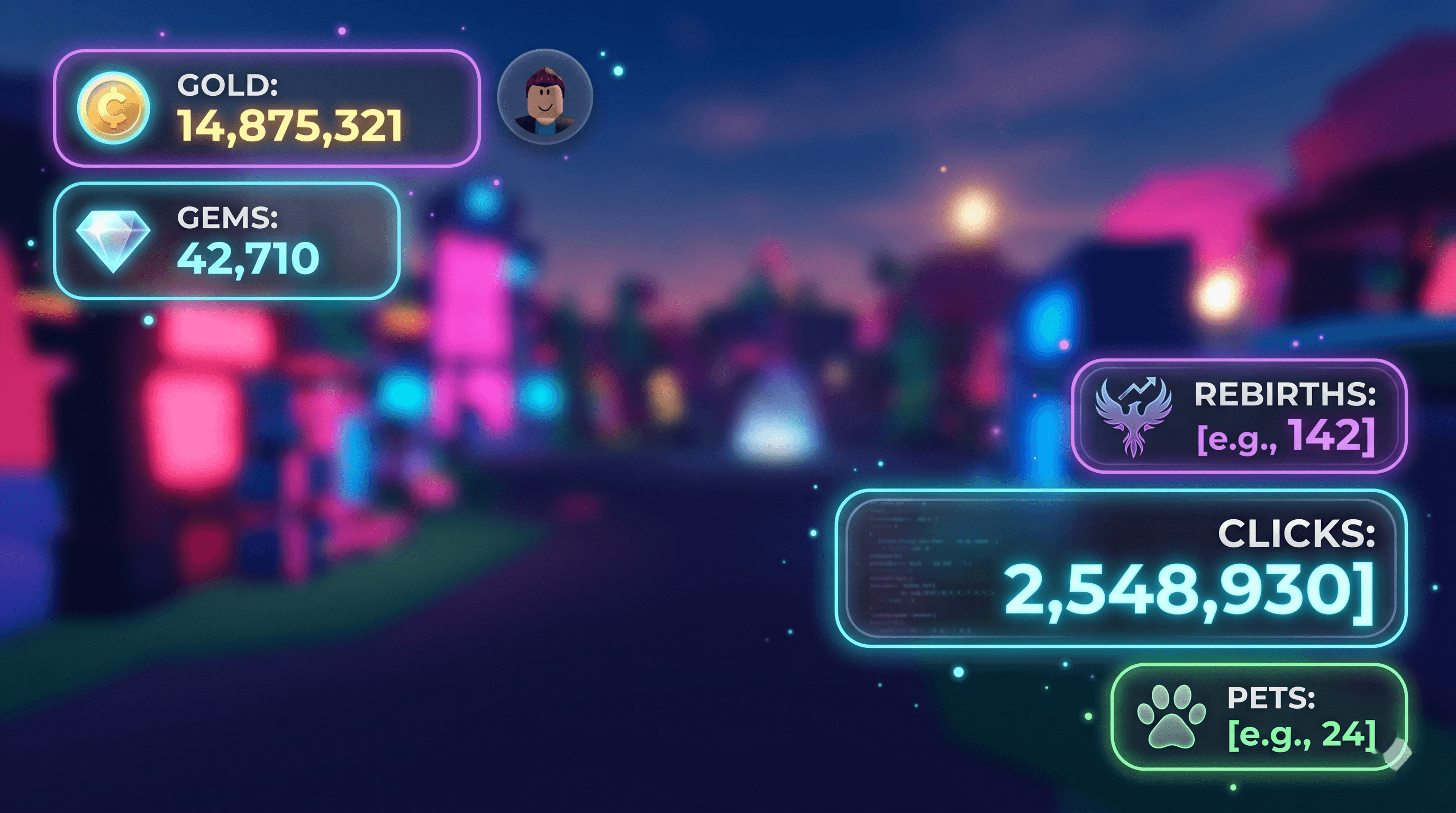
Roblox Simulator HUD GUI template preview showing clicks / rebirths / pets on a bright hud layout. Simulator HUD
FreeClicks / Rebirths / Pets
A simulator-style HUD with click counter, rebirth badge, pet count, and currency tracker. Designed with a bright and readable aesthetic optimized for mobile devices. Perfect for clicker simulators, pet collection games, tycoon-style experiences, and any Roblox game that tracks incremental progress with satisfying visual feedback.
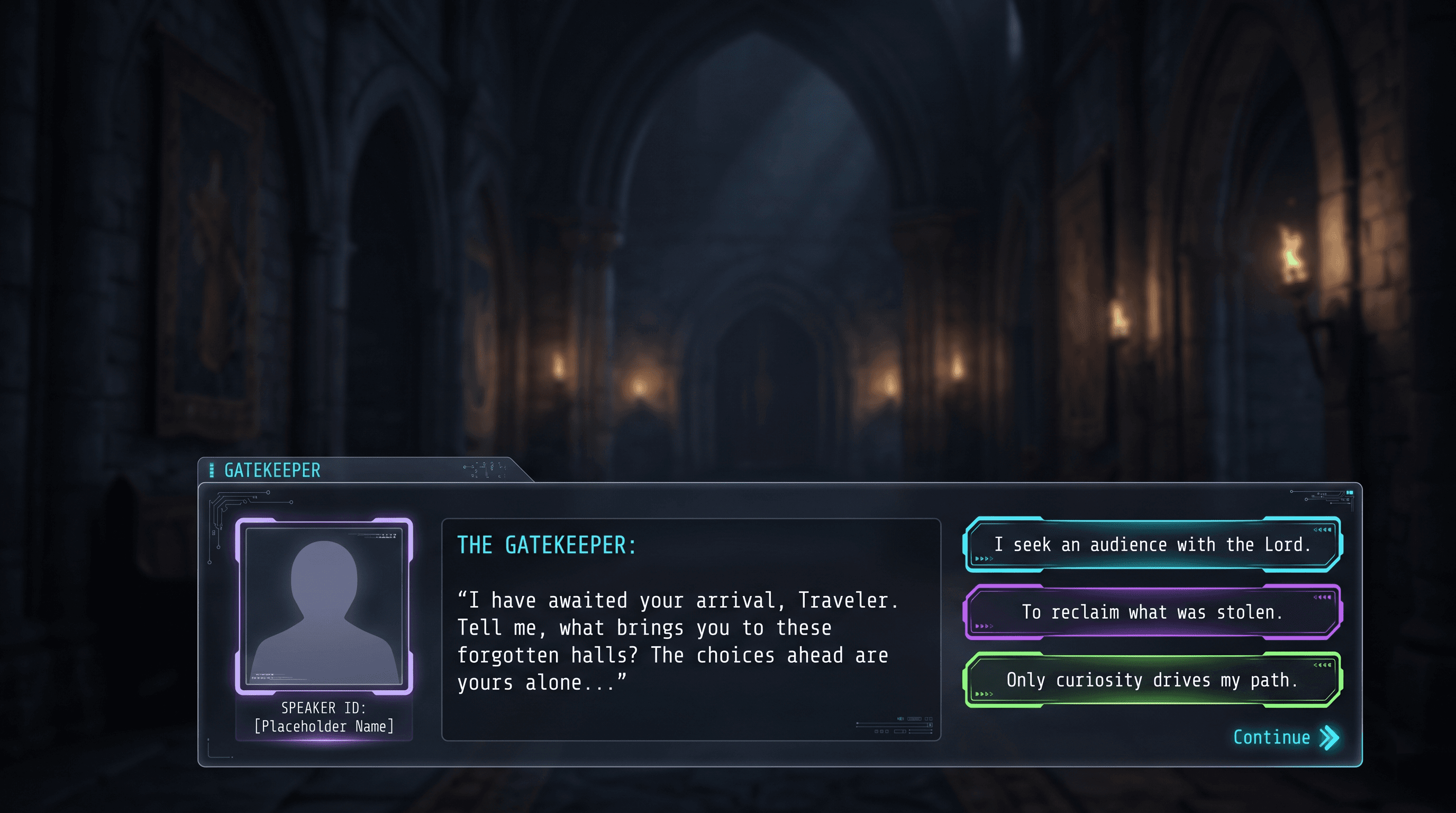
Roblox Dialogue System GUI template preview showing npc chat & choices on a cartoon dialogue layout. Dialogue System
MarketplaceNPC Chat & Choices
An NPC dialogue UI with typewriter text, speaker portrait placeholder, and branching choice buttons. Designed for story-driven Roblox experiences with a charming cartoon aesthetic. Features smooth typewriter text animation, animated NPC portraits, player choice branching, and full dialogue tree support for complex narrative flows.
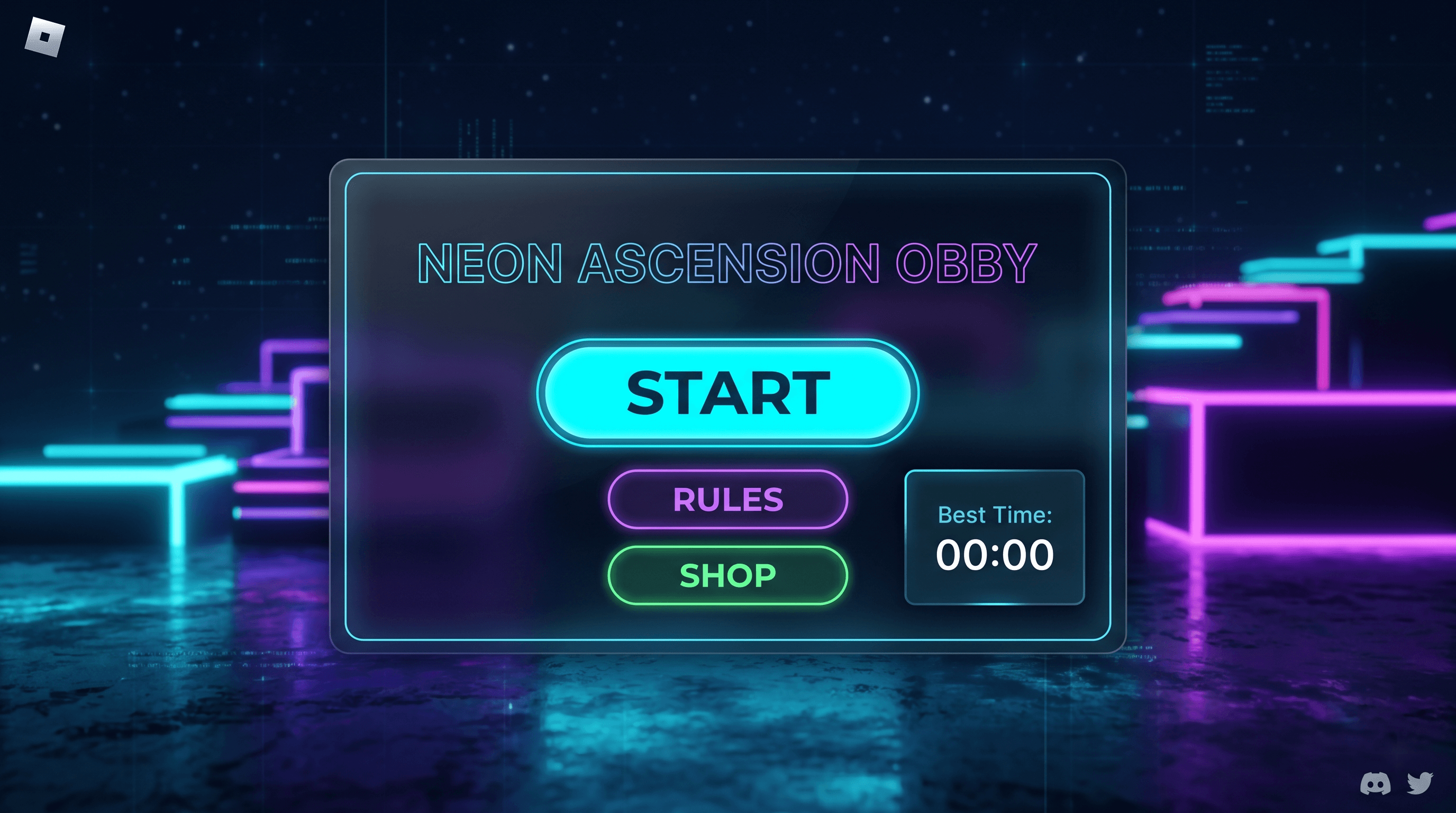
Roblox Obby Start Screen GUI template preview showing start / rules / shop on a cartoon menu layout. Obby Start Screen
FreeStart / Rules / Shop
A colorful obby start screen with start button, rules panel, shop link, and best-time display. Designed with a vibrant cartoon aesthetic optimized for mobile devices. Features animated UI elements, player statistics, level selection preview, and social features like friend invites. Perfect for obstacle course (obby) games, parkour experiences, and timed challenge games on Roblox.
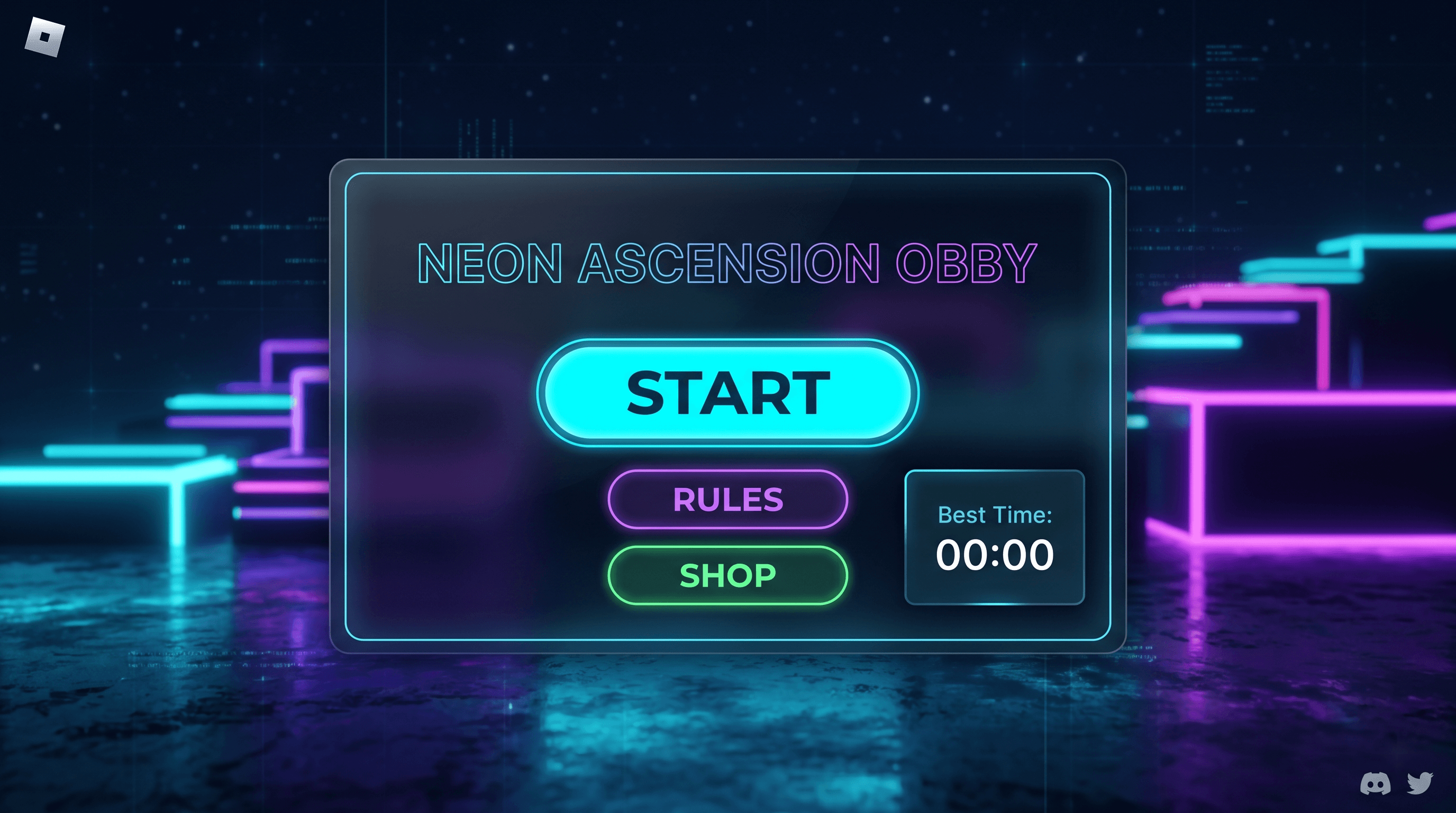
Roblox Daily Rewards GUI template preview showing daily claim & streak on a bright rewards layout. Daily Rewards
FreeDaily Claim & Streak
A daily rewards GUI for Roblox that resets every 24 hours, tracks login streaks, and plays a claim animation when the player collects their reward. This template provides a complete rewards system with streak multipliers, claimed-state persistence via DataStore, and a tweened reveal animation. It is designed for simulators, tycoons, and any game that wants players coming back daily.
How we compare
| Feature | Roblox GUI Maker | Bloxsmith / FigBloxUI |
|---|---|---|
| Visual drag-and-drop canvas | Yes | Partial |
| Editable Luau export (not a black box) | Yes | Rarely |
| Templates with real game logic | Yes | Static visuals |
| Free tier with AI credits | 50 / month | Limited |
| Controllable AI (edit output on canvas) | Yes | Black box |
| Roblox Studio plugin sync | Waitlist | Manual copy |
| Mobile + desktop device preview | Yes | Desktop only |
Frequently asked questions
Quick answers about Roblox GUI Maker — pricing, AI, the Studio plugin, and how the Luau export pipeline works.
Do I need to know Lua to use Roblox GUI Maker?
No. The drag-and-drop editor builds your GUI visually, and the AI generator writes editable Luau for you. Even if you have never opened a Studio script, you can ship a working UI on day one.
Is Roblox GUI Maker free?
Yes — the Free plan includes the full visual editor, all free templates, and 50 AI generation credits every month. The Pro plan adds unlimited credits and premium templates.
How does the Luau export work?
When you click Export, we generate a self-contained LocalScript that programmatically builds your entire UI hierarchy. Paste it into StarterGui in Roblox Studio, hit Play, and your GUI appears exactly as designed.
Can I import a Figma design into Roblox?
A Figma-to-Roblox converter is in development. Visit the Figma to Roblox page to join the waitlist — once live, it will convert frames into a Roblox-ready UI tree with auto-uploaded image assets and Studio plugin import.
Do the templates include real game logic?
Yes — every template ships with production-ready Luau. Shops include MarketplaceService prompts, inventories include drag-and-drop and DataStore stubs, leaderboards include OrderedDataStore integration. Not just static visuals.
Will my GUI work on mobile?
All templates and generated layouts default to Scale-based sizing with auto-fit anchors and UIAspectRatioConstraint where needed. Use the editor's mobile preview to verify touch targets before exporting.
Can I edit the AI output?
Always. The AI is controllable, not a black box — every element it generates lives in the canvas and properties panel where you can tweak Size, Position, Color, and Z-Index by hand.
Does Roblox GUI Maker work with the Roblox Studio plugin?
A companion plugin is in development. Join the waitlist on the plugin page to be notified when it lands on the Roblox Creator Marketplace. Until then, you can export clean Luau from the editor and paste it straight into StarterGui.
What export formats does Roblox GUI Maker support?
Three formats. Export Luau as a commented LocalScript you paste into StarterGui. Export the project as JSON to share or re-import in another workspace. Or export a ZIP bundle containing the Luau, the JSON project file, and a README — handy for handing a GUI off to a teammate or a client.
Can I use the generated GUIs in commercial Roblox games?
Yes. GUIs you generate or build with Roblox GUI Maker are yours to use in any Roblox game, including ones that earn Robux through gamepasses, developer products, or Premium payouts. The Free and Pro plans both grant full commercial usage rights — the Pro plan only adds unlimited AI credits and premium templates.
More detailed questions covered on the full FAQ page, including pricing, refunds, and commercial use.
Start building free
No credit card. 50 AI generation credits every month on the Free plan.