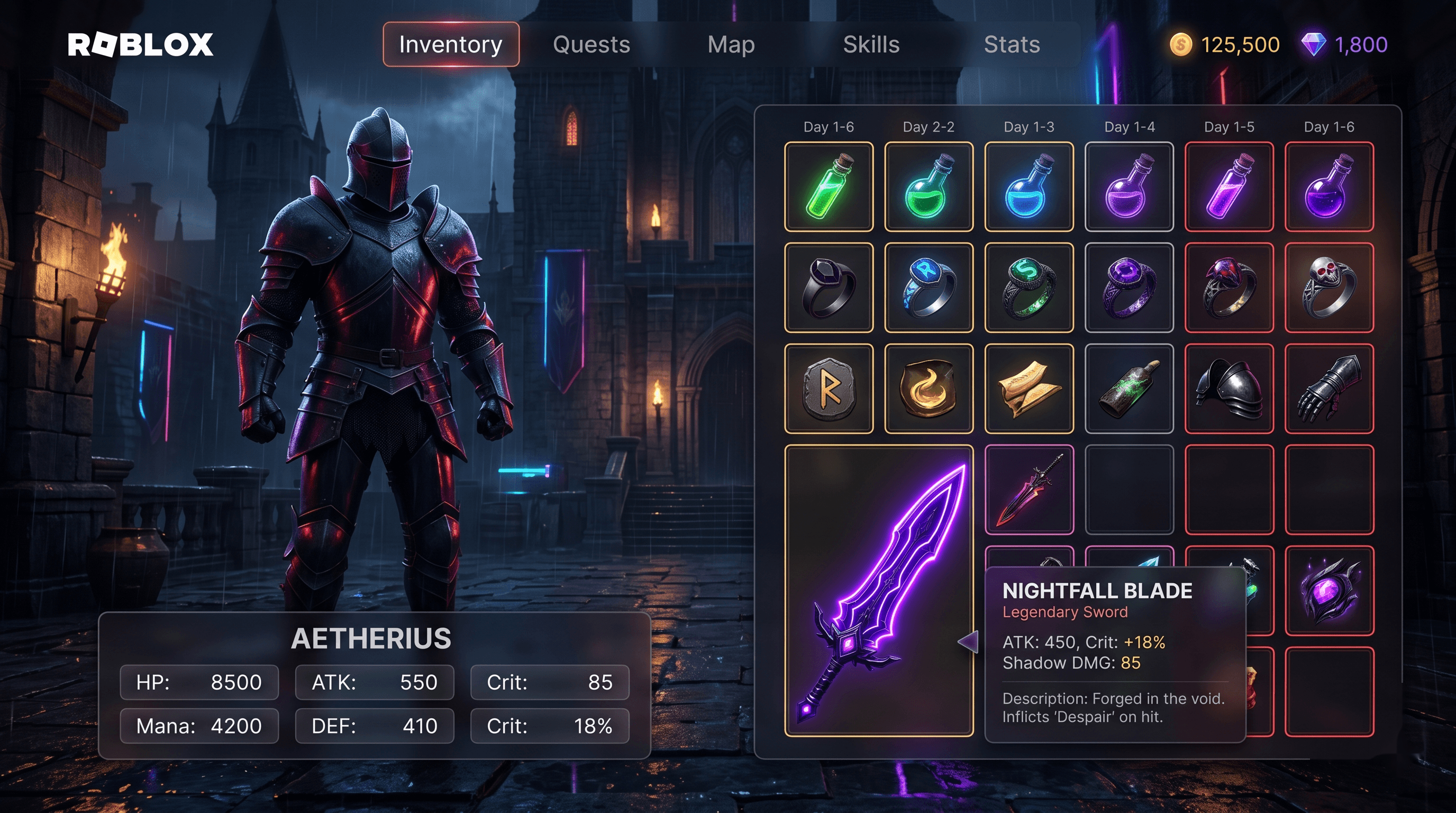
A slot-based RPG inventory GUI for Roblox with drag-and-drop, equip slots, item rarity colors, and tooltips. This template provides a complete inventory system that supports item collection, equipment management, drag-and-drop interactions, rarity-based color coding, and informative tooltips on hover. It is designed for RPG, adventure, and survival games where players collect and manage items.
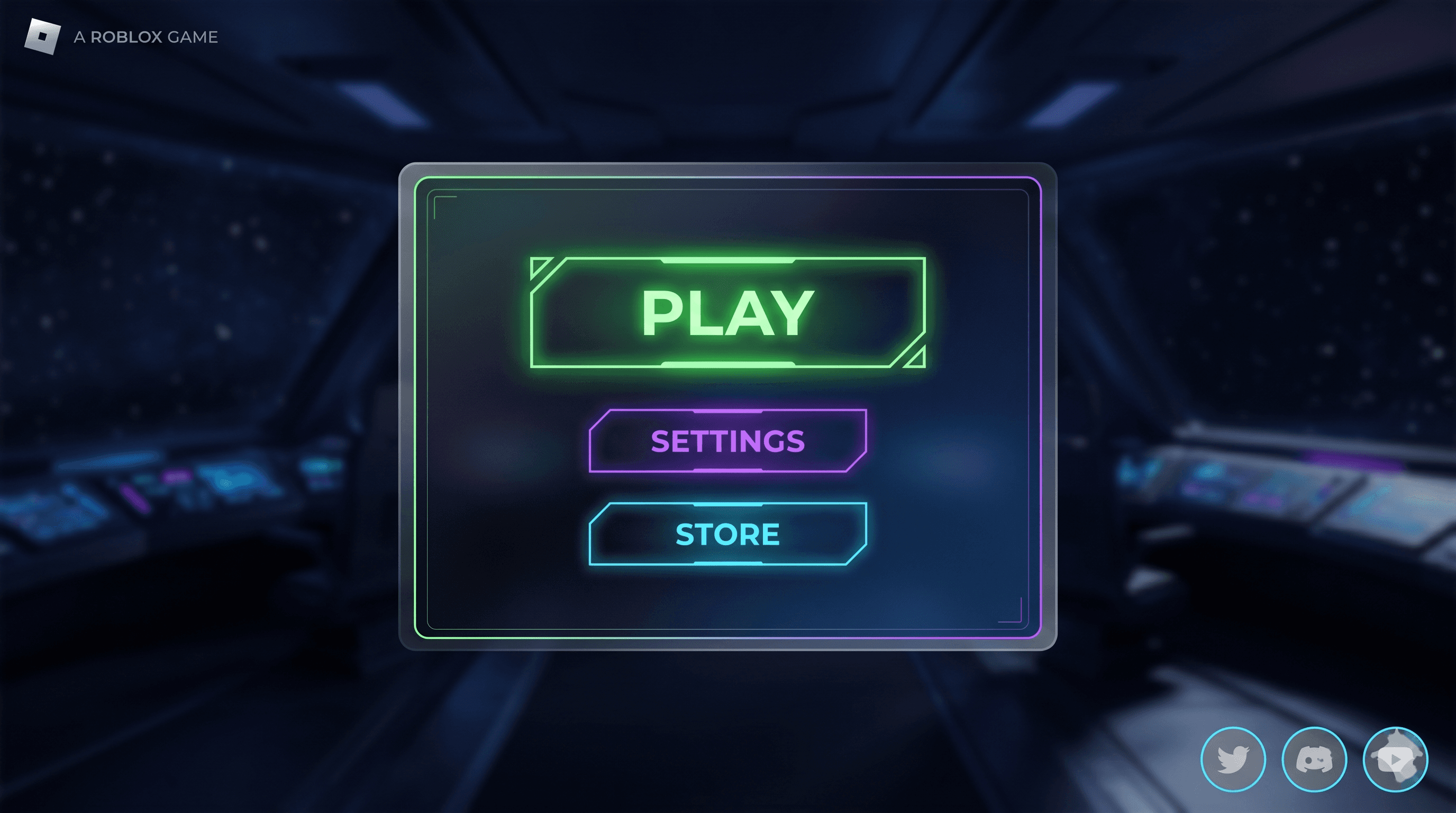
Main Menu Roblox GUI template preview — play / settings / store, clean style, desktop layout.
MenuFree
Main Menu
A polished main menu with animated play button, settings shortcut, store link, and social icons. Features a subtle UIGradient background, smooth Tween animations, and auto-fitting layout that adapts to mobile, tablet, and desktop screens. Fits any genre from simulators to RPGs to obbies.
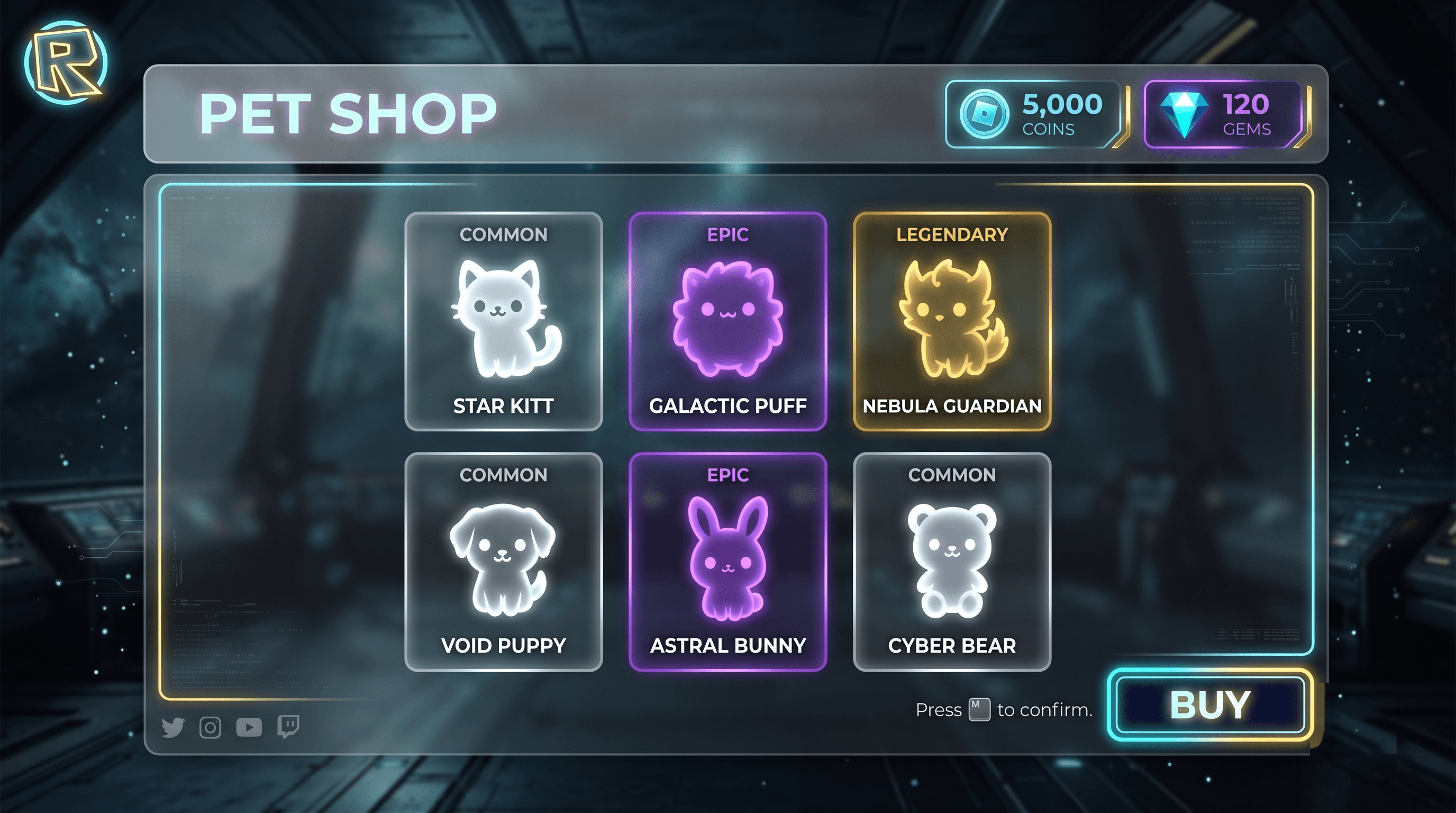
A cartoony pet shop UI with rarity badges, buy buttons, coin balance, and equipped-pet preview panel. Designed for pet collection games, simulators, and RPGs where players can browse, purchase, and equip companion pets. Features 6 pet cards with visual rarity indicators, animated purchase flow, and a dedicated preview panel for the currently equipped pet.
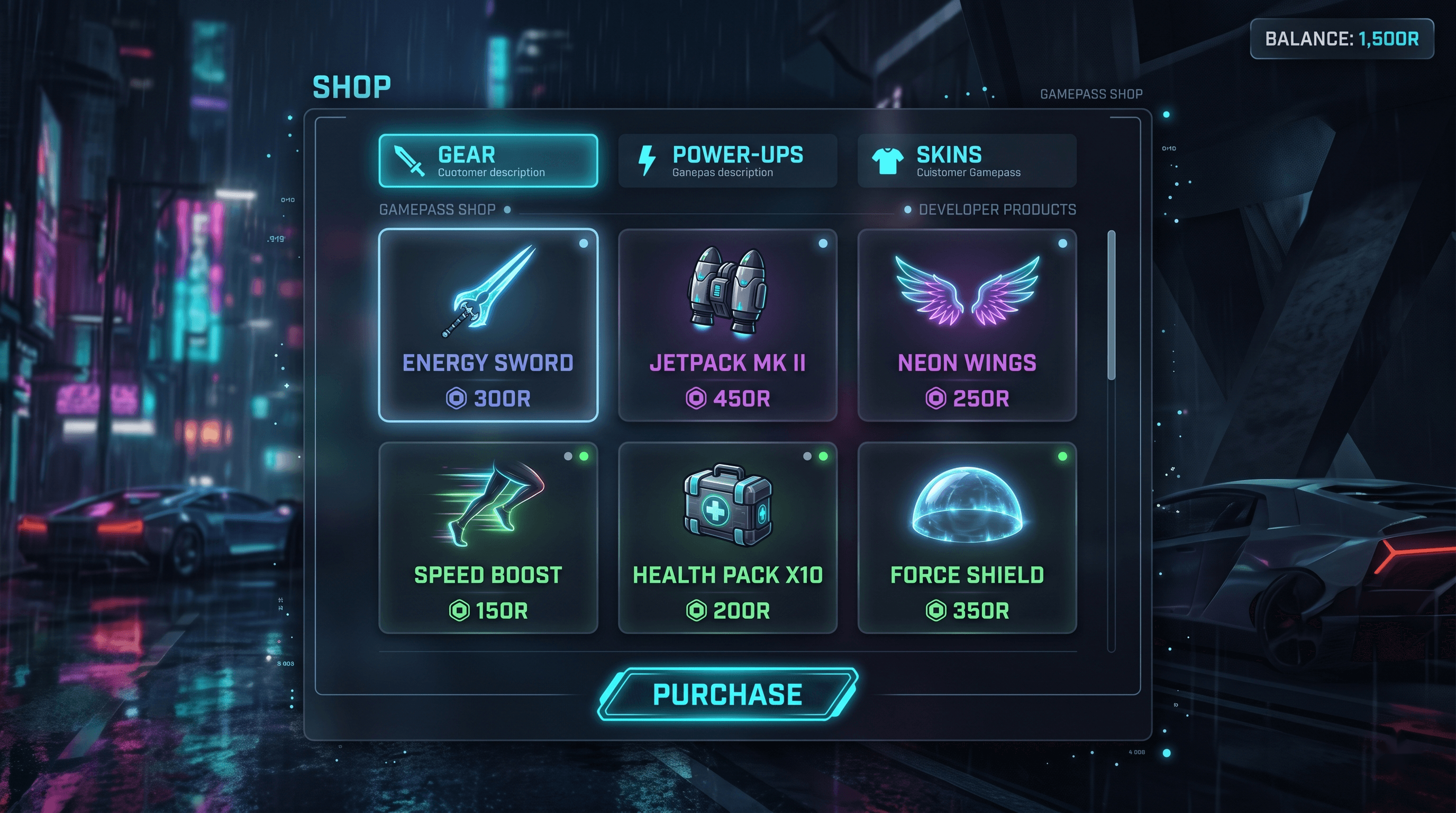
A general-purpose shop GUI with category tabs, item grid, and purchase prompts wired to MarketplaceService. Supports both Gamepasses and Developer Products. Features a clean bright design with animated purchase flow, category filtering, and detailed item descriptions. Ready for monetization out of the box.
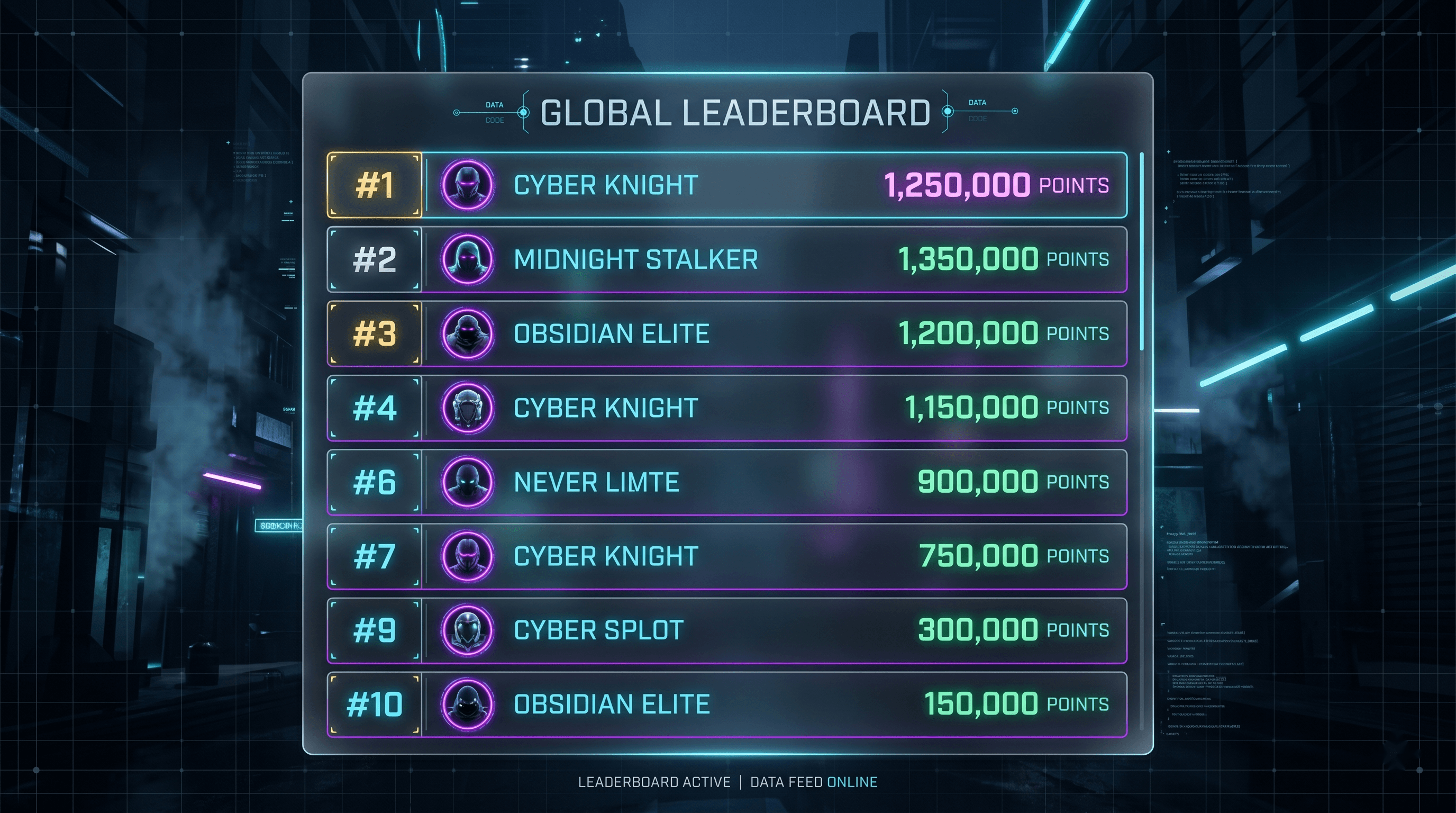
A top-10 global leaderboard GUI with player name, avatar placeholder, and score. Auto-refreshes every minute. This template provides a production-ready leaderboard system that displays the highest-scoring players across your entire Roblox game. It features a clean, modern design with automatic data synchronization, smooth entry animations, and a responsive layout that works on all screen sizes.
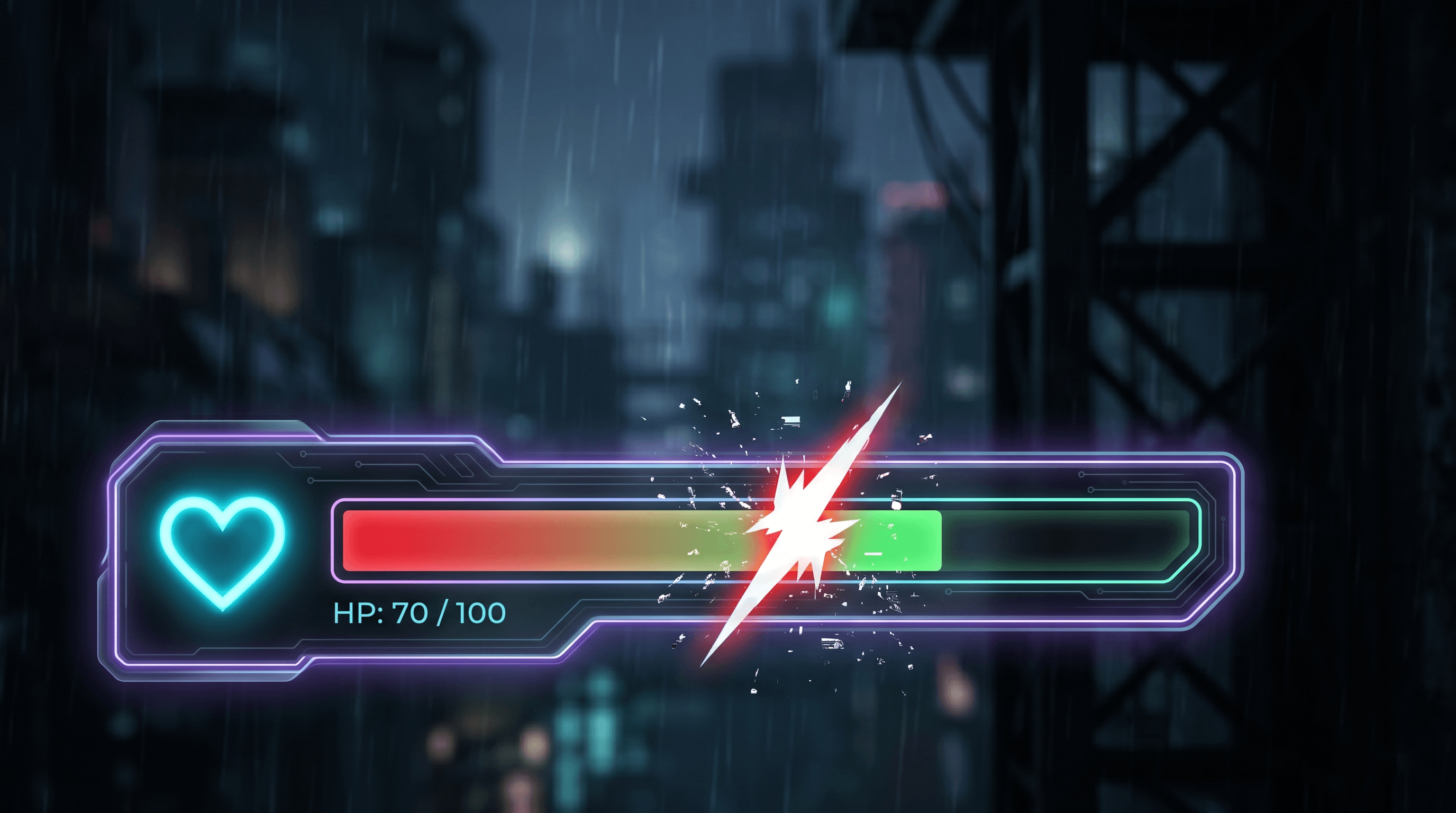
Health Bar Roblox GUI template preview — tweened damage feedback, cartoon style, mobile layout.
Health BarFree
Health Bar
A compact health bar with tweened fill, damage flash, and low-health pulse. Works for any humanoid. This template provides a responsive, animated health bar that tracks player health with smooth fill animations, visual damage feedback with screen flash effects, and an urgent pulsing animation when health drops below a critical threshold. Designed with a cartoon aesthetic optimized for mobile devices.
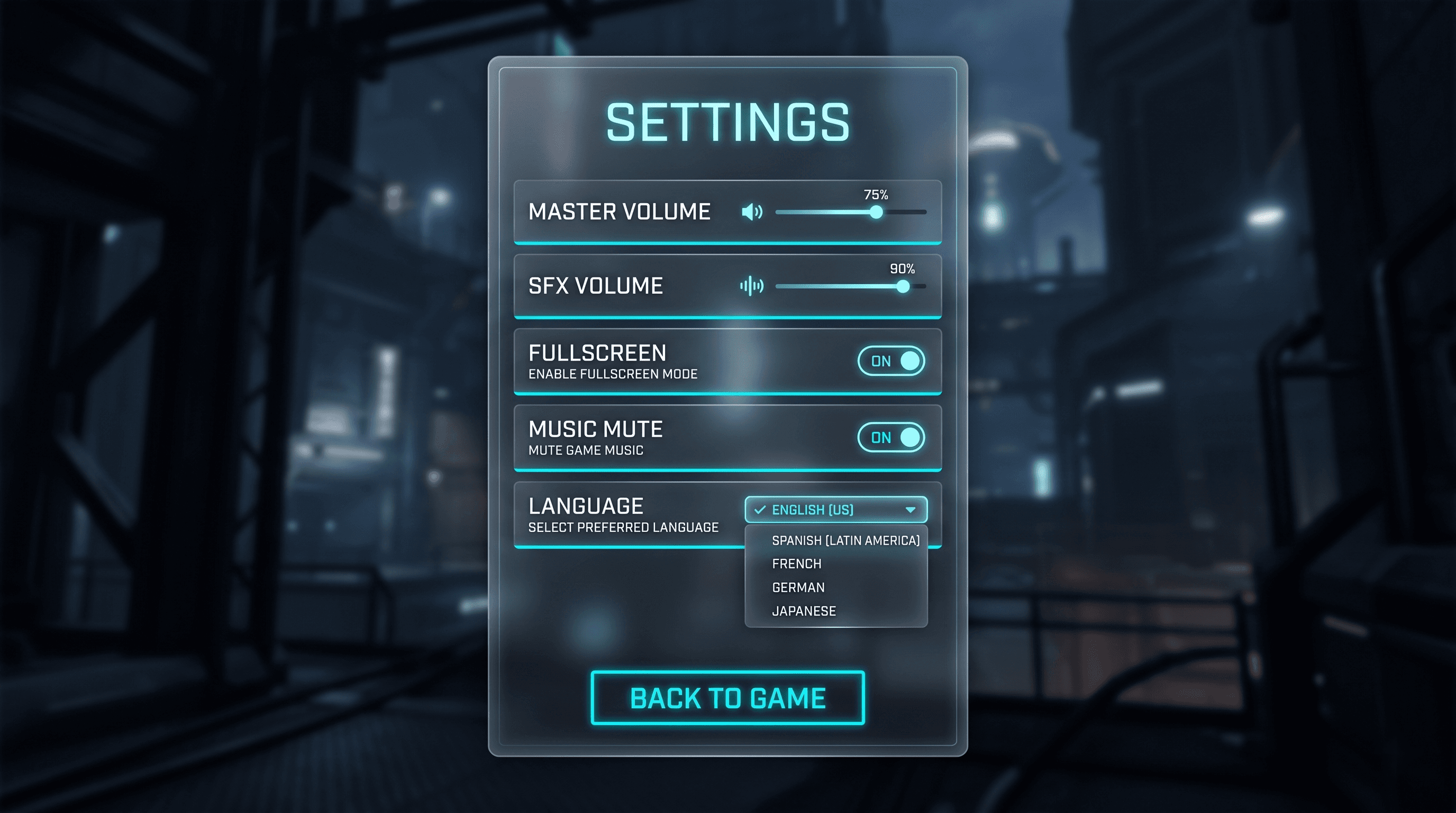
Settings Menu Roblox GUI template preview — volume & toggle options, dark style, desktop layout.
SettingsFree
Settings Menu
A settings panel with volume sliders, fullscreen toggle, music mute, and language placeholder. Clean UIListLayout. This template provides a comprehensive settings system with smooth slider interactions, animated toggle switches, and a modular design that makes adding new settings effortless. Features a sleek dark theme with accent-colored interactive elements.
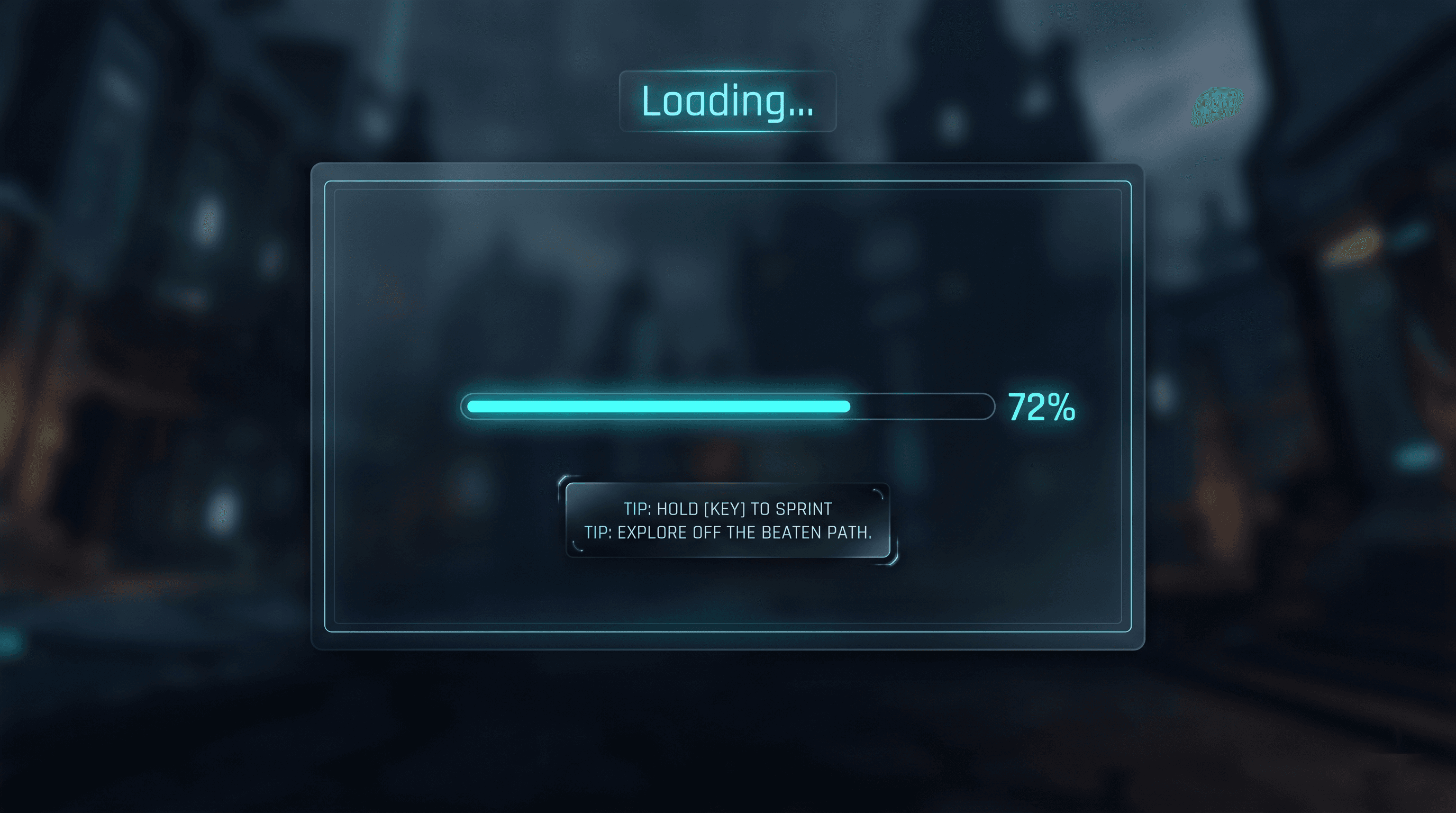
A loading screen with progress bar, rotating gameplay tips, and fade-out once loading is complete. This template provides a polished, professional loading experience that keeps players engaged while assets load. Features a smooth animated progress bar, helpful rotating gameplay tips to educate players, and an elegant fade-out transition when loading completes.
FPS HUD Roblox GUI template preview — ammo / health / crosshair, dark style, desktop layout.
HUDMarketplace
FPS HUD
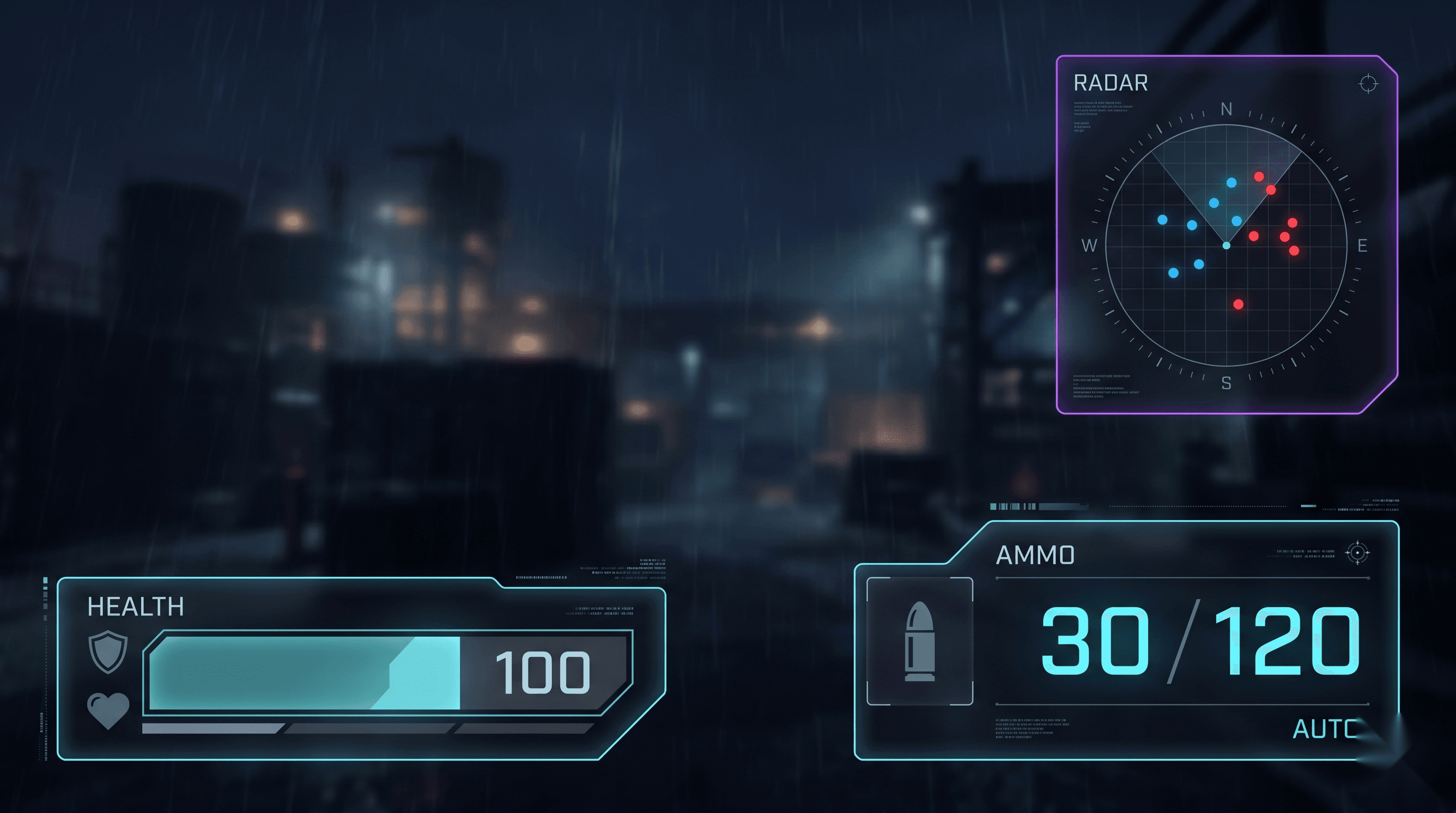
A tactical FPS HUD with ammo counter, health bar, crosshair, and kill feed placeholder. Designed for performance-focused first-person shooter experiences on Roblox. Features a dark tactical aesthetic inspired by modern military shooters, with high-contrast UI elements that remain readable during intense gameplay.
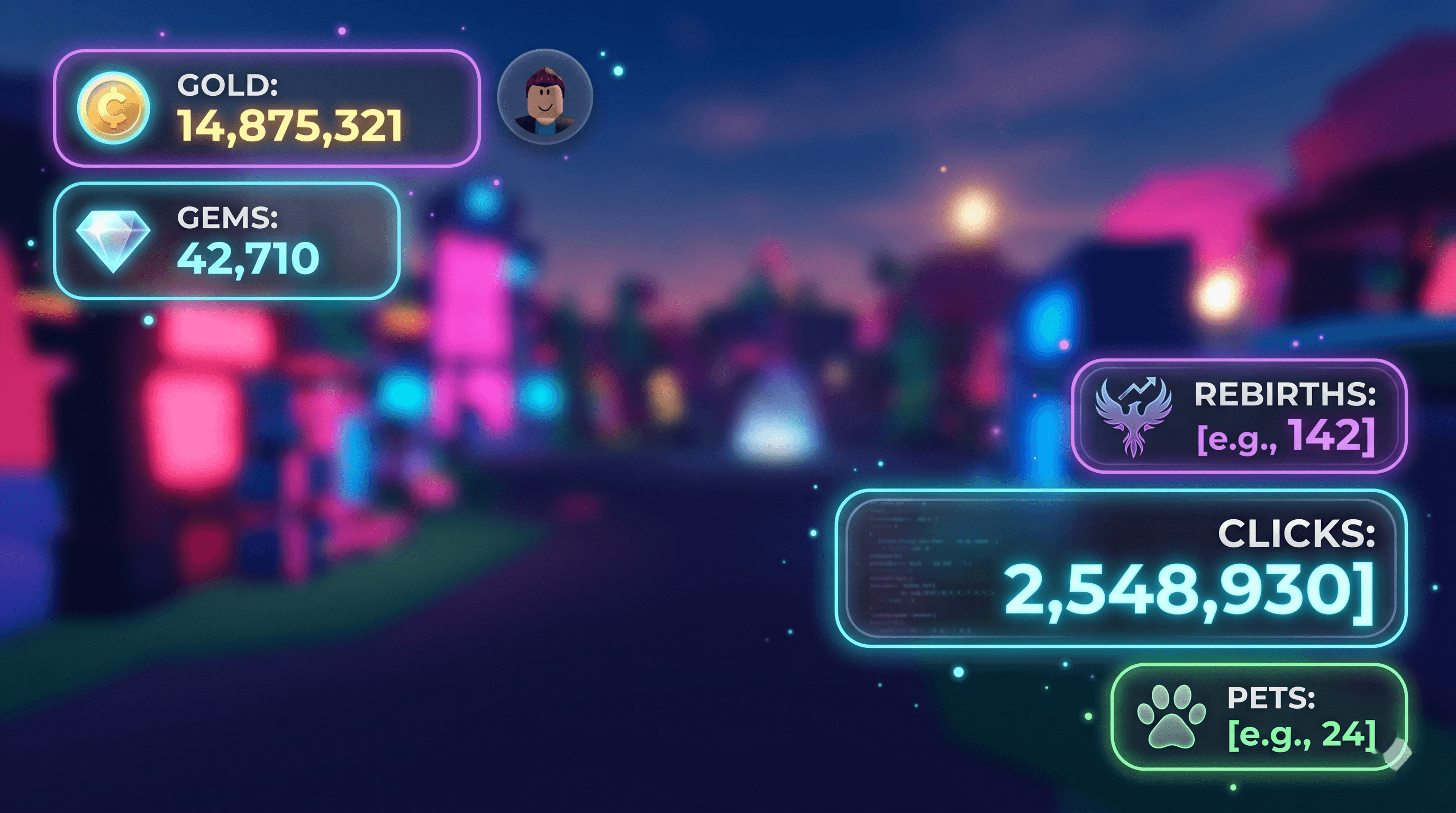
A simulator-style HUD with click counter, rebirth badge, pet count, and currency tracker. Designed with a bright and readable aesthetic optimized for mobile devices. Perfect for clicker simulators, pet collection games, tycoon-style experiences, and any Roblox game that tracks incremental progress with satisfying visual feedback.
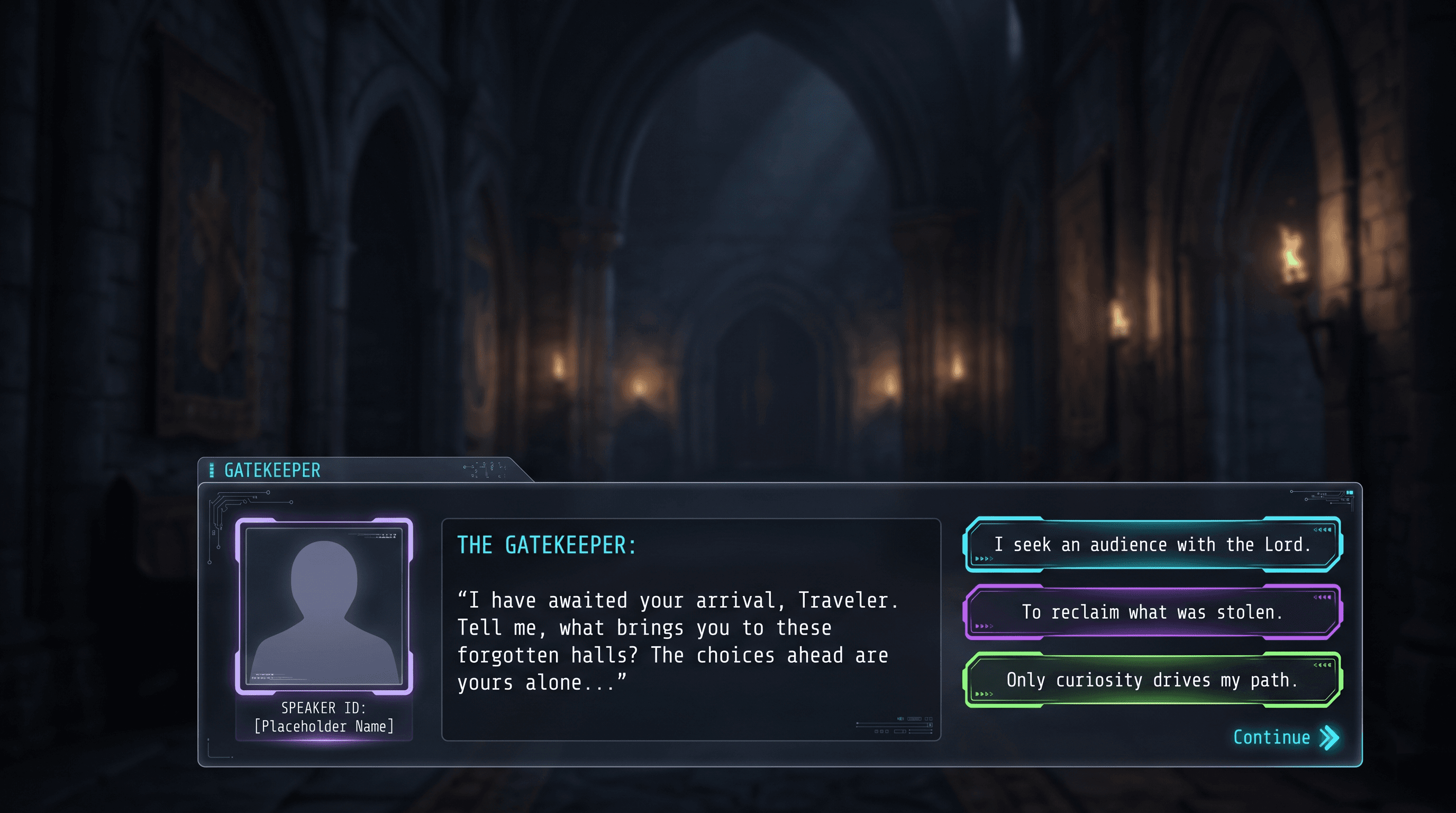
An NPC dialogue UI with typewriter text, speaker portrait placeholder, and branching choice buttons. Designed for story-driven Roblox experiences with a charming cartoon aesthetic. Features smooth typewriter text animation, animated NPC portraits, player choice branching, and full dialogue tree support for complex narrative flows.
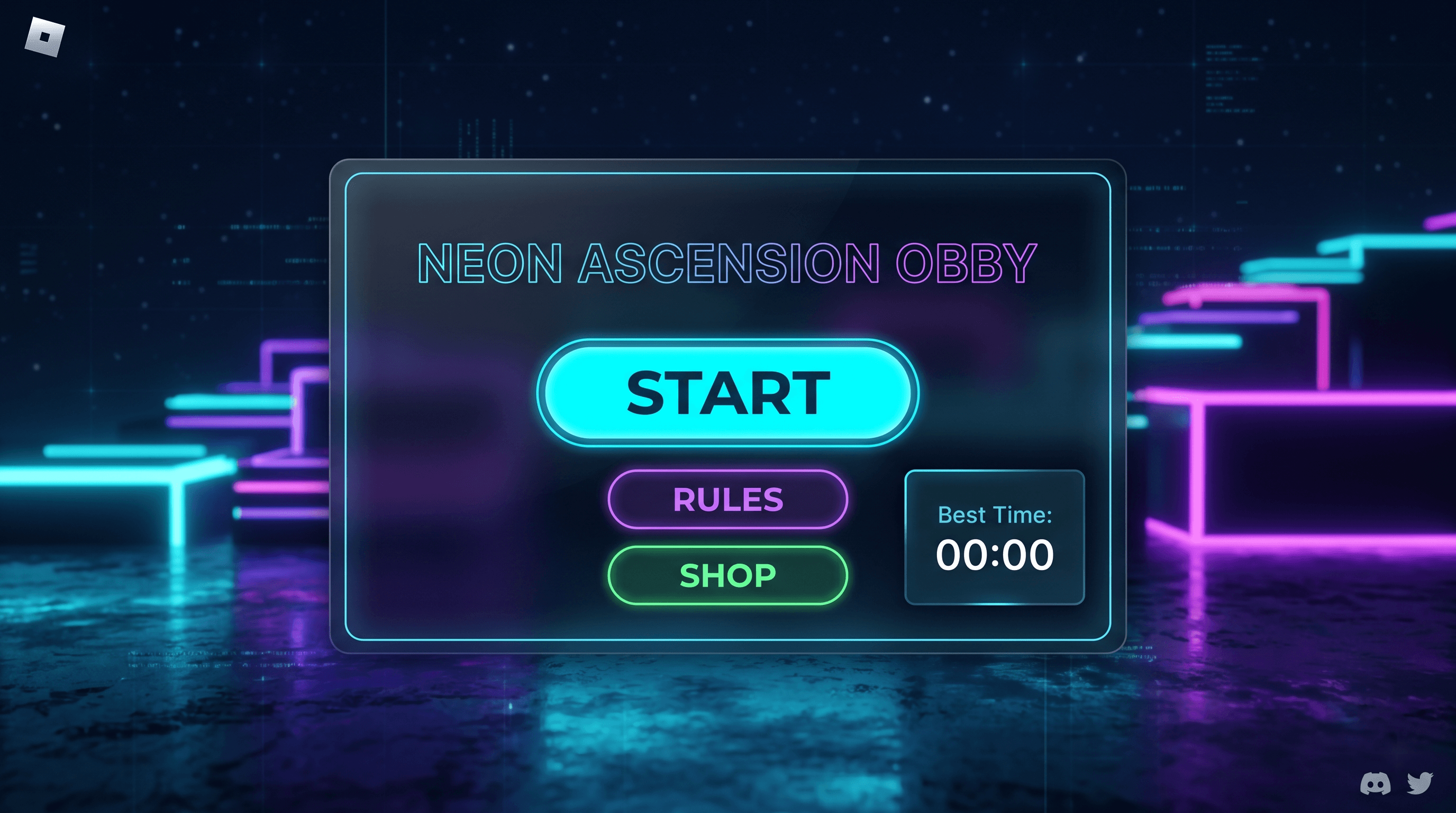
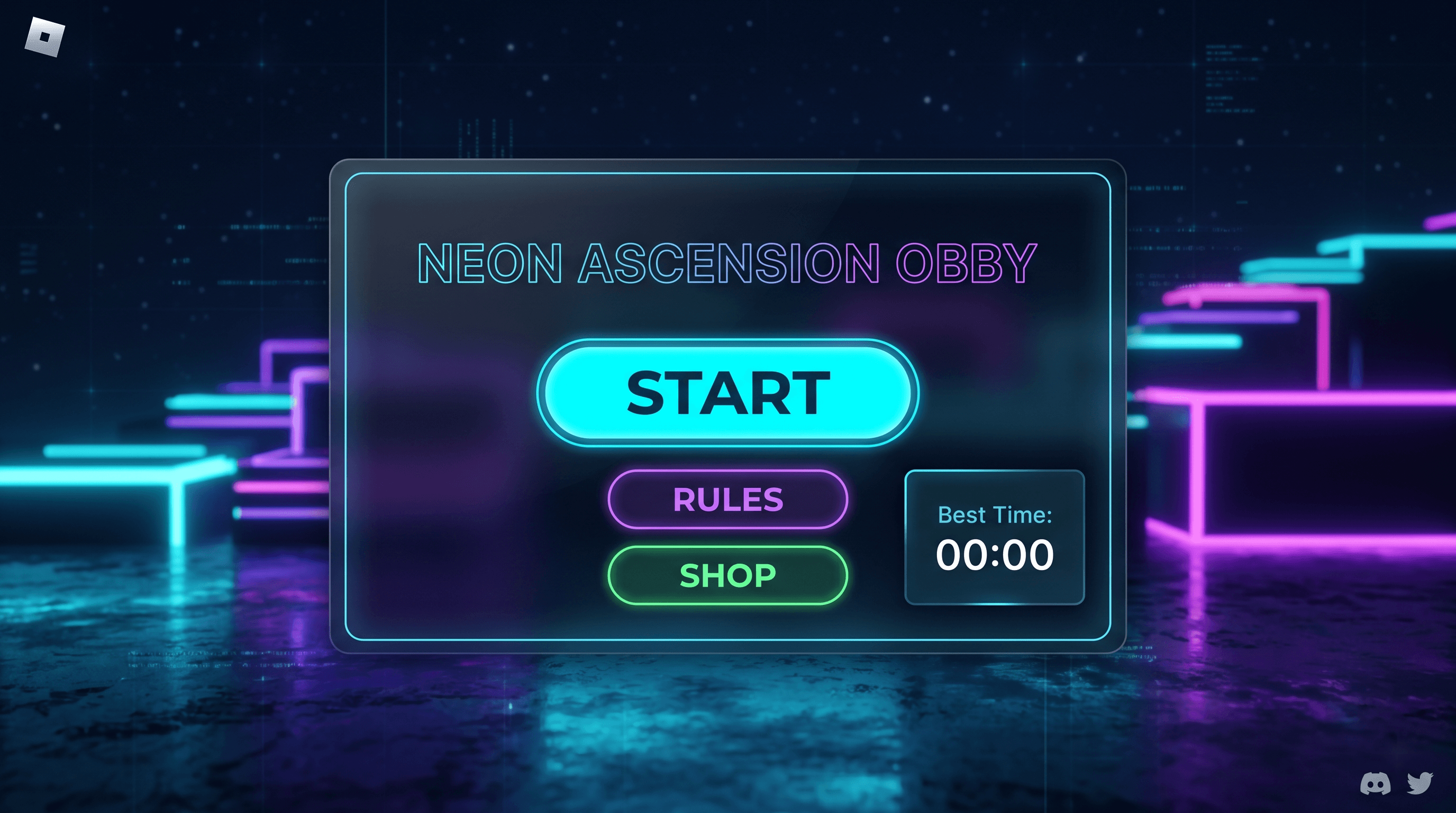
A colorful obby start screen with start button, rules panel, shop link, and best-time display. Designed with a vibrant cartoon aesthetic optimized for mobile devices. Features animated UI elements, player statistics, level selection preview, and social features like friend invites. Perfect for obstacle course (obby) games, parkour experiences, and timed challenge games on Roblox.
A daily rewards GUI for Roblox that resets every 24 hours, tracks login streaks, and plays a claim animation when the player collects their reward. This template provides a complete rewards system with streak multipliers, claimed-state persistence via DataStore, and a tweened reveal animation. It is designed for simulators, tycoons, and any game that wants players coming back daily.
Every template in this library is a complete Roblox GUI — not a static mockup. Click Open in Web Editor on any card to load the layout into the visual editor, then export to StarterGui.
Three ways to ship a template
One-click Luau export. Generate a clean LocalScript that builds the entire UI hierarchy programmatically. Paste it into StarterGui as a LocalScript.
Studio plugin sync (planned). The Roblox GUI Maker plugin is currently on the waitlist. Once it launches on the Creator Marketplace, click Sync in the editor and the GUI will land in Studio as real ScreenGui, Frame, and TextButton instances you can edit further.
JSON import. Save the template as a project JSON, share it with collaborators, and re-import it into any other Roblox GUI Maker workspace.
What "real Luau logic" means
Most free Roblox GUI packs ship visual mockups with empty event handlers. Our templates wire up the events that actually matter: shop cards bind to MarketplaceService:PromptProductPurchase, inventories use UIDragDetector-style handlers and DataStore stubs, leaderboards integrate with OrderedDataStore, and HUDs respond to Humanoid.HealthChanged and UserInputService input events.
Mobile, tablet, and desktop scaling
Every template defaults to Scale-based UDim2 sizing with AnchorPoint set on key panels. Touch targets are at least 44×44 px on mobile, and UIAspectRatioConstraint is applied to icons and square buttons so they stay sharp across viewports. Use the device preview toggle in the editor to verify before exporting.
Editing the layout
Once a template is open in the editor you can drag elements on the canvas, snap to grid, change Scale and Offset in the right-side properties panel, pick exact hex colors, or duplicate any element with Ctrl+D. The layer tree on the left supports rename, reorder, and nested grouping, so you can restructure the UI without breaking event bindings.
Roblox ScreenGui generator
Need a ScreenGui from scratch instead of a template? The editor generates one from a prompt. Describe the layout - main menu, HUD, inventory - and get a ScreenGui with Frames, TextLabels, and TextButtons wired up, ready to paste into StarterGui.