
Daily Rewards Roblox GUI Template with Daily Claim & Streak
A daily rewards GUI for Roblox that resets every 24 hours, tracks login streaks, and plays a claim animation when the player collects their reward. This template provides a complete rewards system with streak multipliers, claimed-state persistence via DataStore, and a tweened reveal animation. It is designed for simulators, tycoons, and any game that wants players coming back daily.
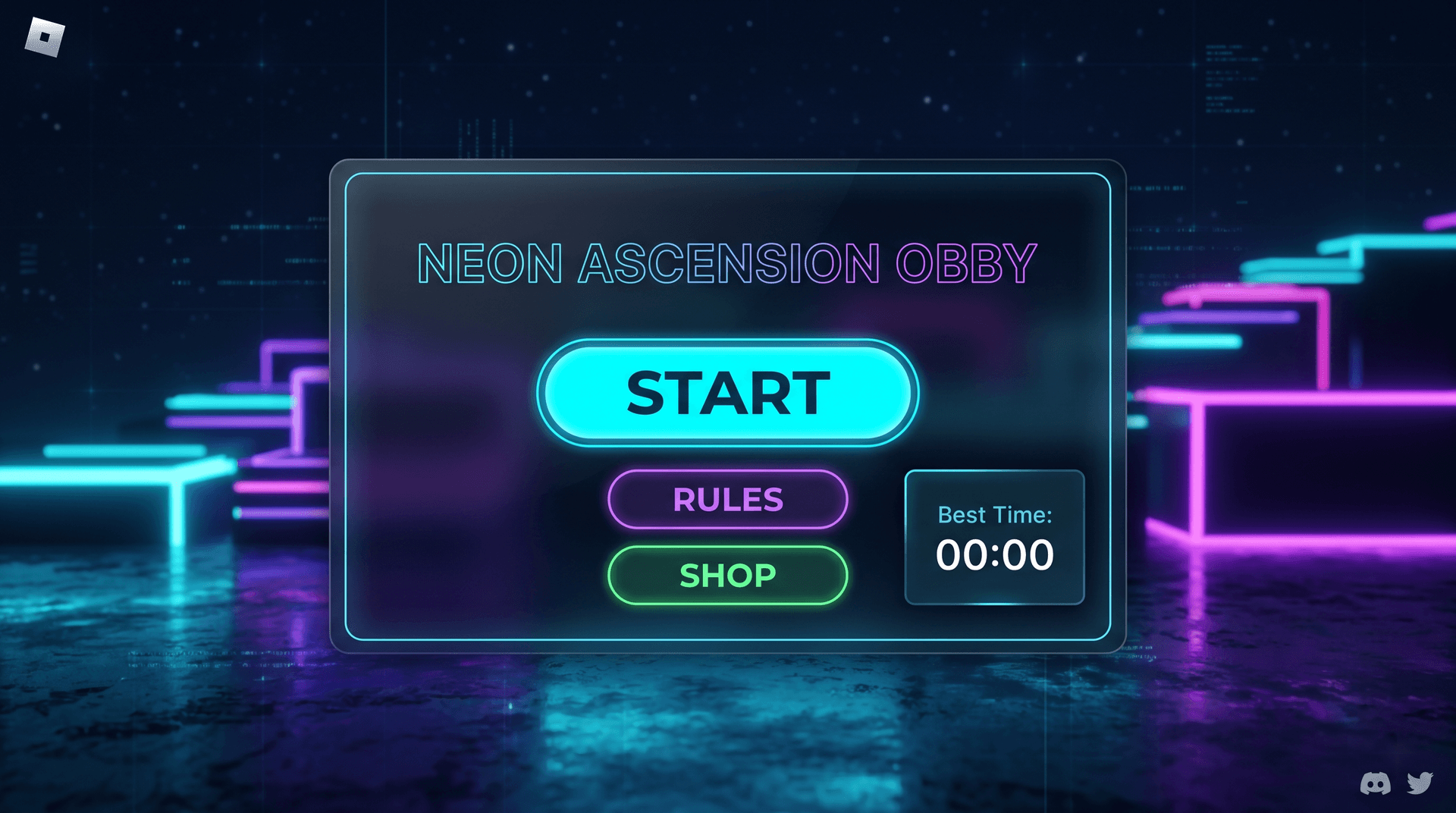
Live preview
Daily Rewards
1920×1080Includes real, production-ready Luau logic — not a static mockup.
What's inside
- • 24-hour reset timer
- • Login streak with multiplier
- • Tweened claim animation
- • DataStore persistence
- • Claimed-state disable button
How to use this template
The Daily Rewards template gives players a reason to come back every day. Paste the server Luau into ServerScriptService and the client Luau into StarterGui. The server tracks each player's login streak and last claim time in a DataStore, and the client shows a claim button that enables every 24 hours. When the player claims, the server grants a reward based on the streak day (day 7 gives a bonus), plays a tweened reveal animation on the client, and disables the button until the next reset. The layout uses Scale-based sizing, so the rewards panel fits any screen. To customize, replace the reward table with your own currency or item rewards. The reset interval is configurable. Test in Studio by firing the claim event and confirming the streak increments and the button disables.
Add it to your game in 3 steps
- 1
Copy the Luau
Open the template in the web editor and click Export. Choose LocalScript to copy the full client Luau to your clipboard.
- 2
Paste into StarterGui
In Roblox Studio, right-click StarterGui in the Explorer, insert a LocalScript, and paste the copied Luau. Rename it to match the template.
- 3
Press Play to verify
Click Play in Studio. The GUI should appear exactly as designed. Tweak any Size or Position values in the script if you want to adjust the layout.
1-- Daily Rewards GUI - Client Script2-- Daily rewards system client logic3-- Place in: StarterGui/RewardsGui (LocalScript)45local Players = game:GetService("Players")6local ReplicatedStorage = game:GetService("ReplicatedStorage")7local TweenService = game:GetService("TweenService")89local player = Players.LocalPlayer10local gui = script.Parent11local panel = gui:WaitForChild("RewardsPanel")12local claimButton = panel:WaitForChild("ClaimButton")13local streakLabel = panel:WaitForChild("StreakLabel")14local timerLabel = panel:WaitForChild("TimerLabel")1516local claimEvent = ReplicatedStorage:WaitForChild("ClaimDailyReward")17local stateEvent = ReplicatedStorage:WaitForChild("DailyRewardState")1819-- Update the UI display20local function updateUI(state)21 streakLabel.Text = "Streak: " .. tostring(state.streak) .. " days"22 if state.claimedToday then23 claimButton.Text = "Claimed - Come back tomorrow"24 claimButton.BackgroundColor3 = Color3.fromRGB(80, 80, 80)25 claimButton.Active = false26 -- Show countdown to next reset27 local remaining = state.nextResetAt - os.time()28 if remaining > 0 then29 local hours = math.floor(remaining / 3600)30 local minutes = math.floor((remaining % 3600) / 60)31 timerLabel.Text = string.format("Next reward in %dh %dm", hours, minutes)32 end33 else34 claimButton.Text = "Claim Daily Reward"35 claimButton.BackgroundColor3 = Color3.fromRGB(109, 93, 251)36 claimButton.Active = true37 timerLabel.Text = ""38 end39end4041-- Claim reveal animation42local function playClaimAnimation()43 local originalSize = panel.Size44 local grow = TweenService:Create(45 panel,46 TweenInfo.new(0.15, Enum.EasingStyle.Back, Enum.EasingDirection.Out),47 { Size = originalSize + UDim2.fromOffset(20, 20) }48 )49 local shrink = TweenService:Create(50 panel,51 TweenInfo.new(0.15, Enum.EasingStyle.Quad, Enum.EasingDirection.In),52 { Size = originalSize }53 )54 grow:Play()55 grow.Completed:Connect(function()56 shrink:Play()57 end)58end5960-- Claim button click handler61claimButton.MouseButton1Click:Connect(function()62 if not claimButton.Active then return end63 claimEvent:FireServer()64 playClaimAnimation()65end)6667-- Receive state updates from the server68stateEvent.OnClientEvent:Connect(function(state)69 updateUI(state)70end)7172-- Request initial state on load73claimEvent:FireServer("query")